
What this page is
Analytics shows how your own sending is going. It also has tools to see where your groups, tags and lists overlap and who has never answered.
Analytics is a tab in Linxi. It has its own address, /analytics, so it can be bookmarked or sent to somebody directly rather than described as a series of clicks.
A look at it
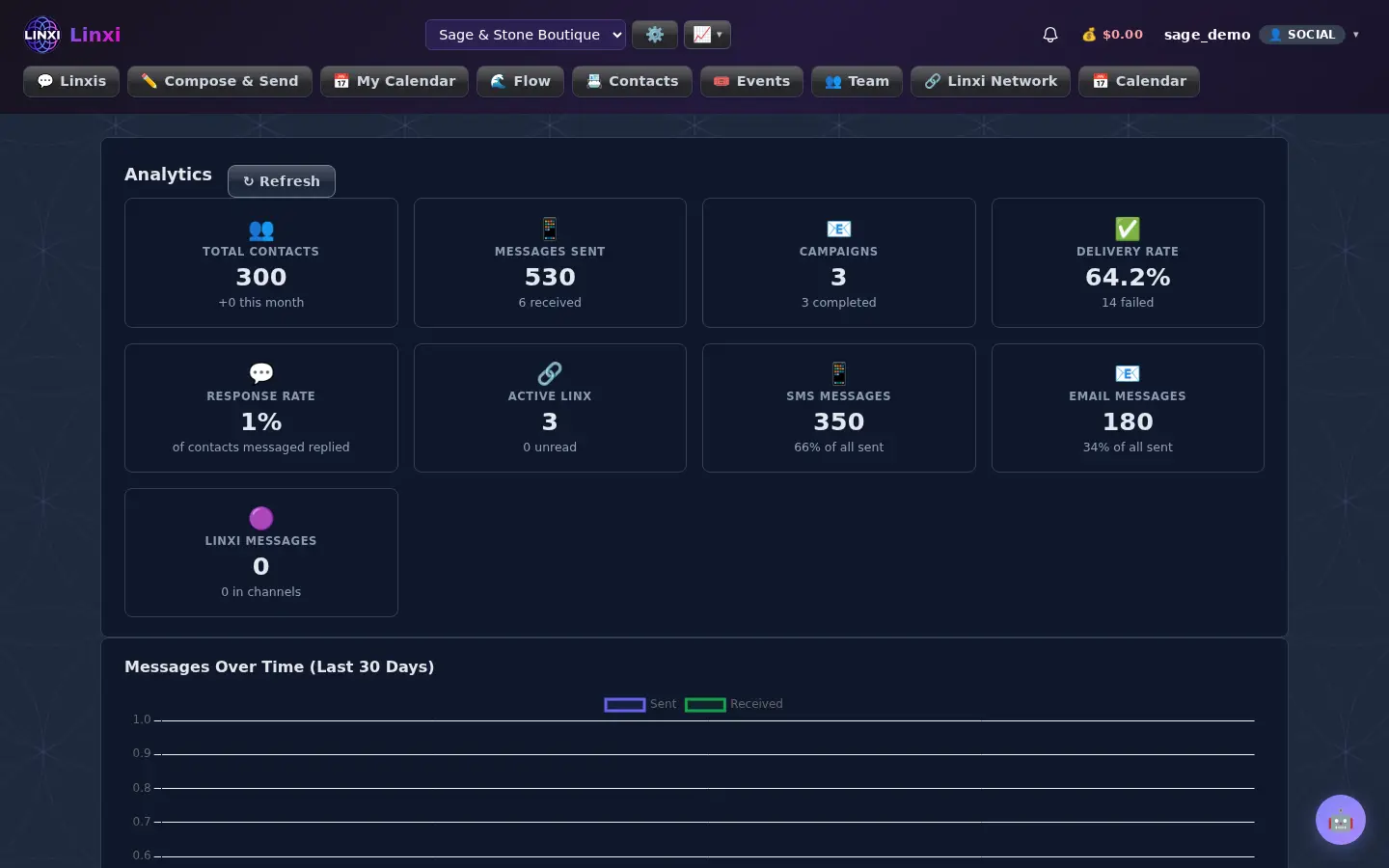
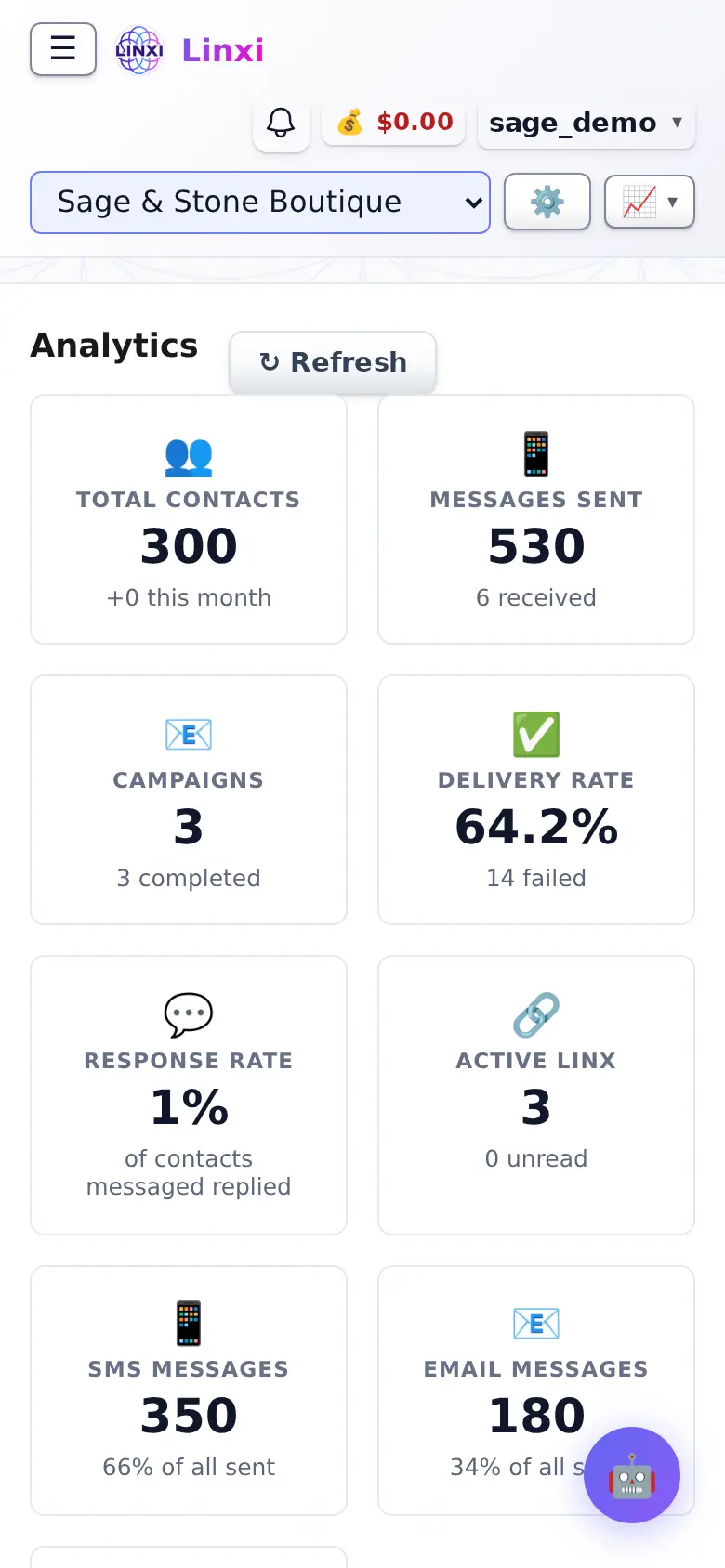
What is on the screen
- Messages over time chart for the last 30 days, with Refresh
- Most active contacts table with message counts and last activity
- Channel breakdown
- Contact overlap explorer that compares groups, tags, lists and traits
- No response tracker listing contacts who never replied
What you can do here
- Check whether your sending went up or down this month
- See which channel carries most of your messages
- Find contacts who have never replied so you can follow up or clean the list
Who uses it
Workspace members who send messages use it to review their own activity.