
What this page is
A form submission lands as a contact in this workspace with the consent recorded. Each form is off until you switch it on and accepts only the website addresses you list.
Forms is a tab in Linxi. It has its own address, /forms, so it can be bookmarked or sent to somebody directly rather than described as a series of clicks.
A look at it
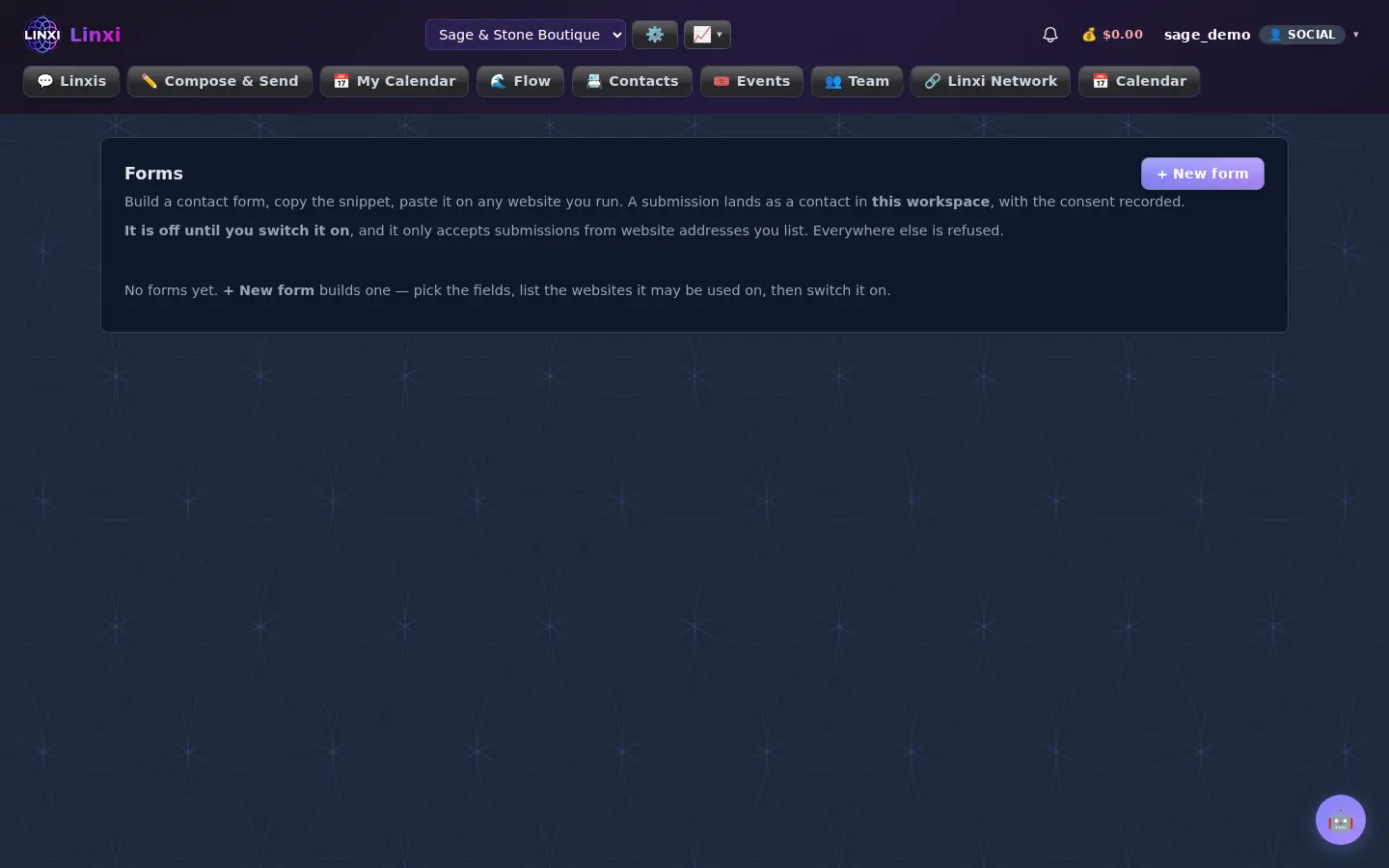
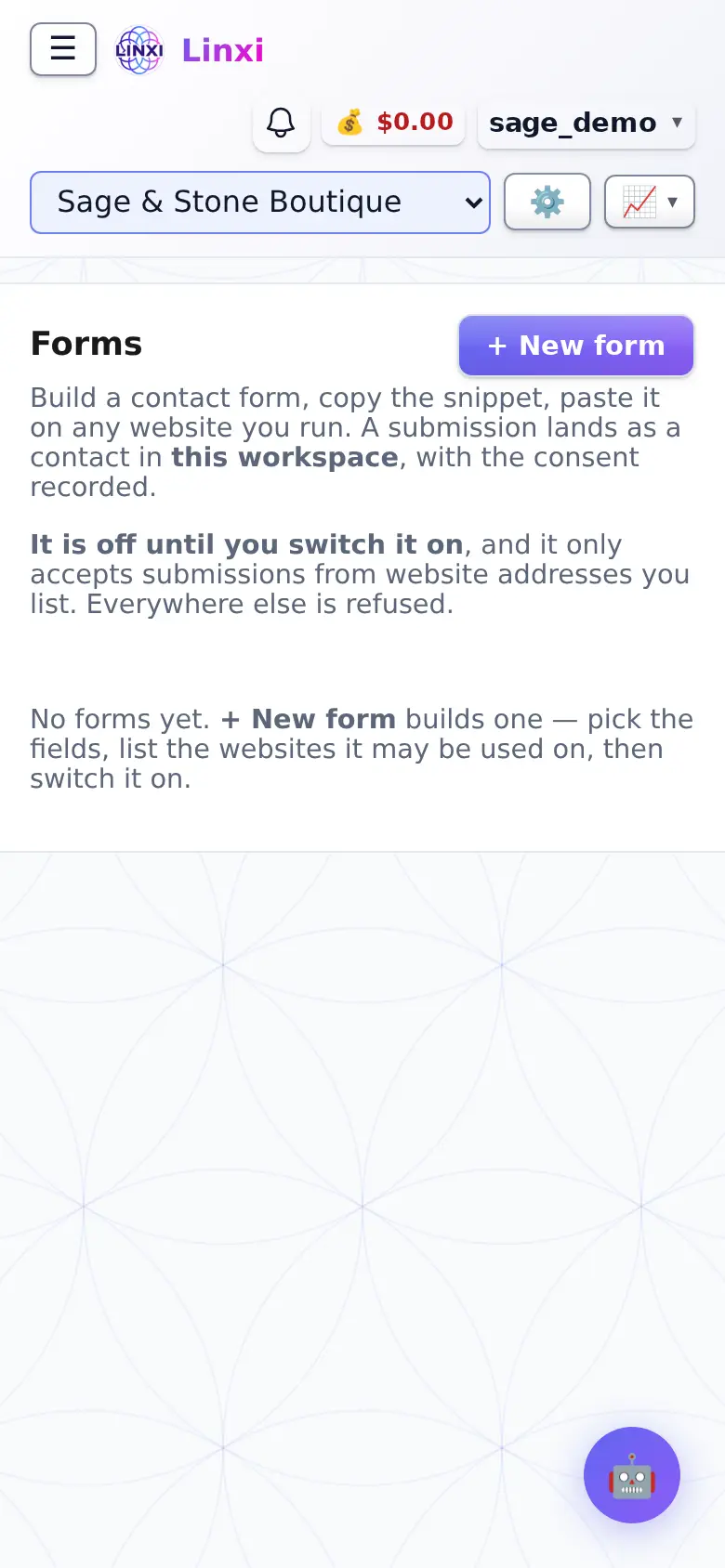
What is on the screen
- + New form and the list of forms
- Editor for name, heading, intro, image, colours and fields
- Where it may be used, one website address per line
- After they submit: button label, success message and optional redirect
- Policy and terms tick box, a copy to the submitter and alerts by bell, email or text
- Live preview, the snippet with Copy, and recent activity
What you can do here
- Put a signup form on your own website
- Get a text when someone fills it in
- Send visitors to a thank-you page after submitting
- Attach a workflow that replies to each submission
Who uses it
Workspace members who run a website; text alerts are charged to the workspace balance.