
What this page is
Coms is your personal publishing space. Posts appear in your feed and pages sit at your own addresses, readable by anyone with the link.
My Coms is a tab in Linxi. It has its own address, /my/coms, so it can be bookmarked or sent to somebody directly rather than described as a series of clicks.
A look at it
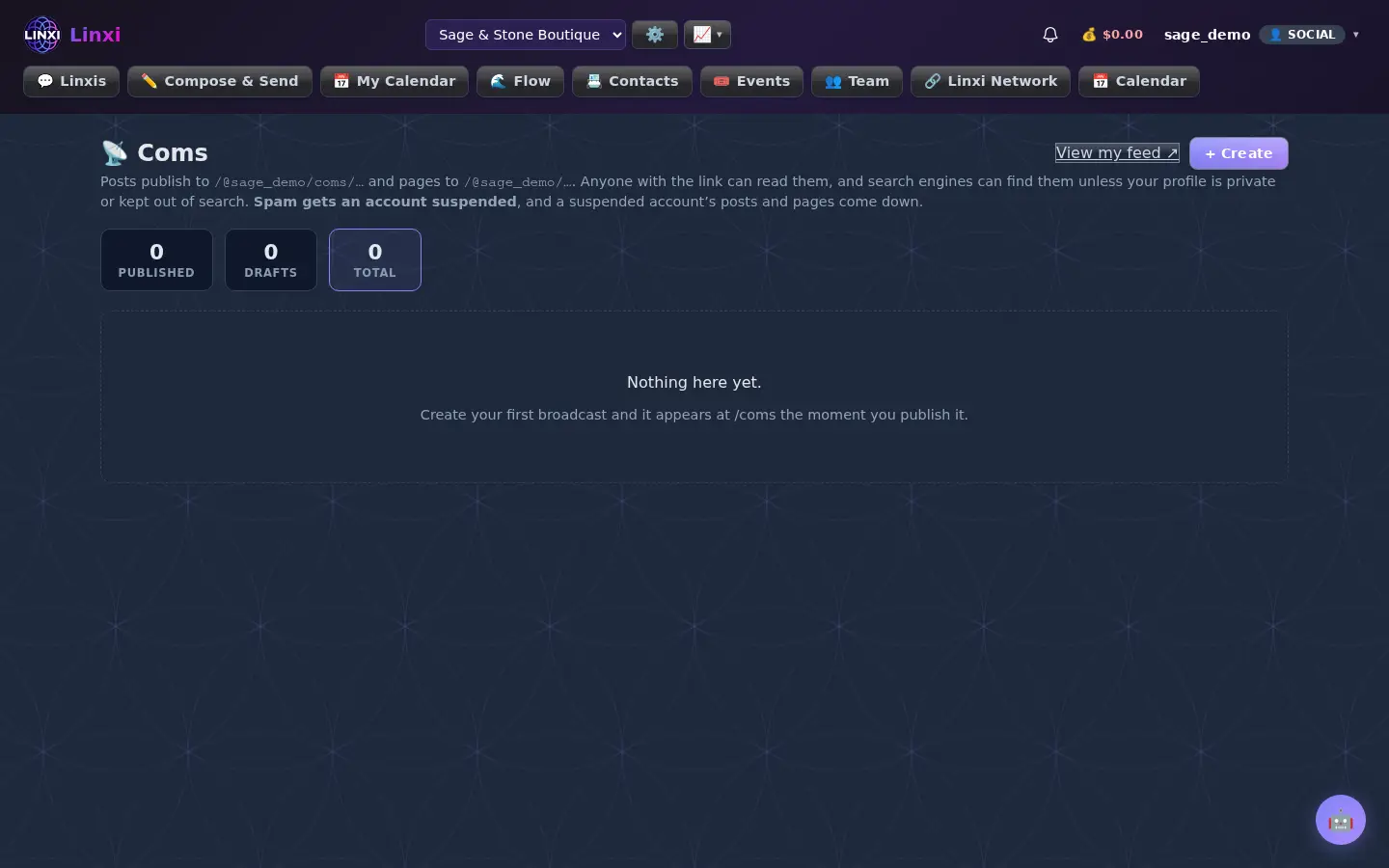
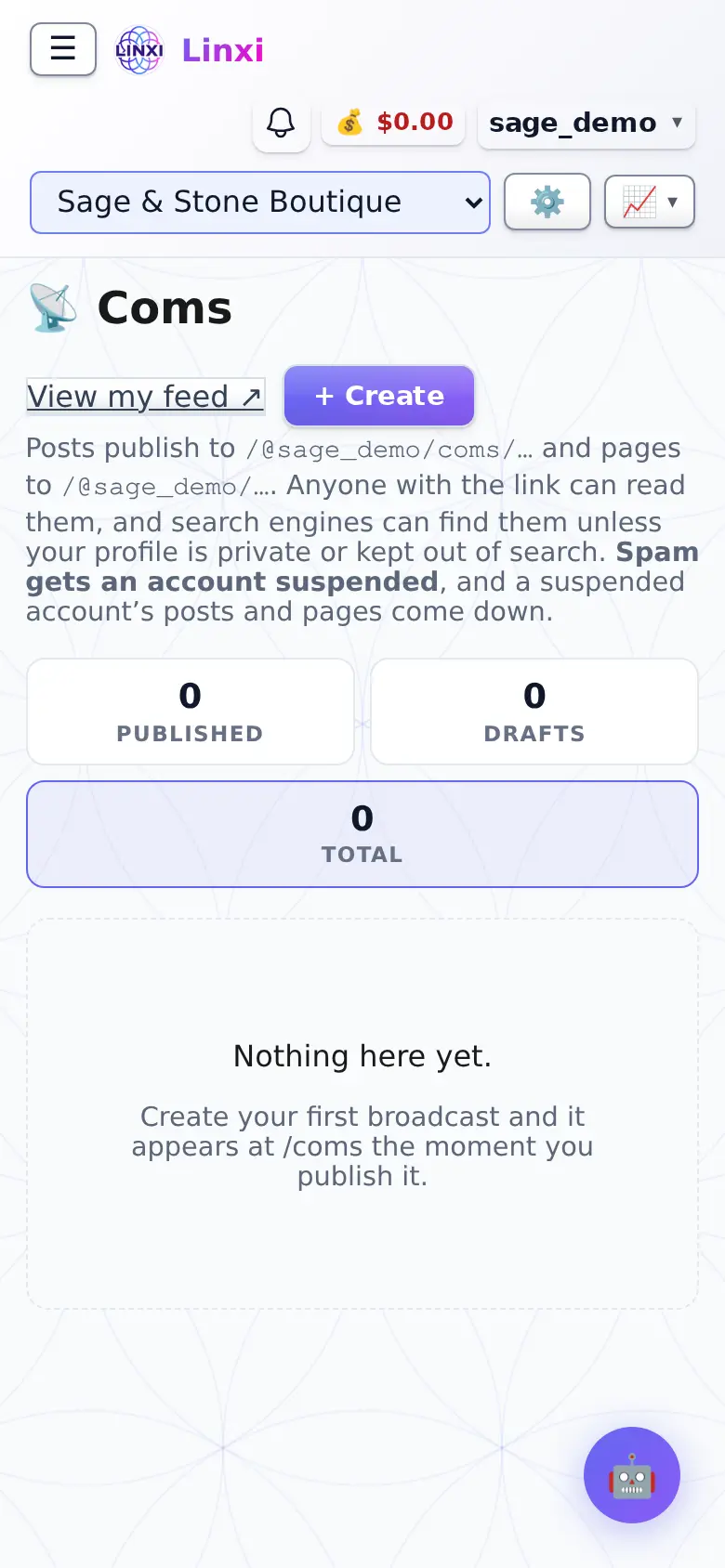
What is on the screen
- View my feed link and a + Create button
- Counts for Published, Drafts and Total that also filter the list
- Filter for All, Coms posts or Static pages
- Each item shows reading time, word count and dates
- Row buttons: View, Edit, Publish or Unpublish, Copy and Create branch for pages
What you can do here
- Publish an article to your feed
- Build a page at your own address and add child pages under it
- Take a post down by unpublishing it
Who uses it
Any member can publish here; posts are public unless the profile is private or kept out of search, and spam gets an account suspended.