
What this page is
There are two headers: the site header on the landing page, custom pages, events, articles and legal pages, and the social header on the Network, Feed, Calendar and profiles.
Open Landing page in Linxi, then Header in the panel list beside it. It has its own address, /website/header, so it can be bookmarked or sent to somebody directly rather than described as a series of clicks.
A look at it
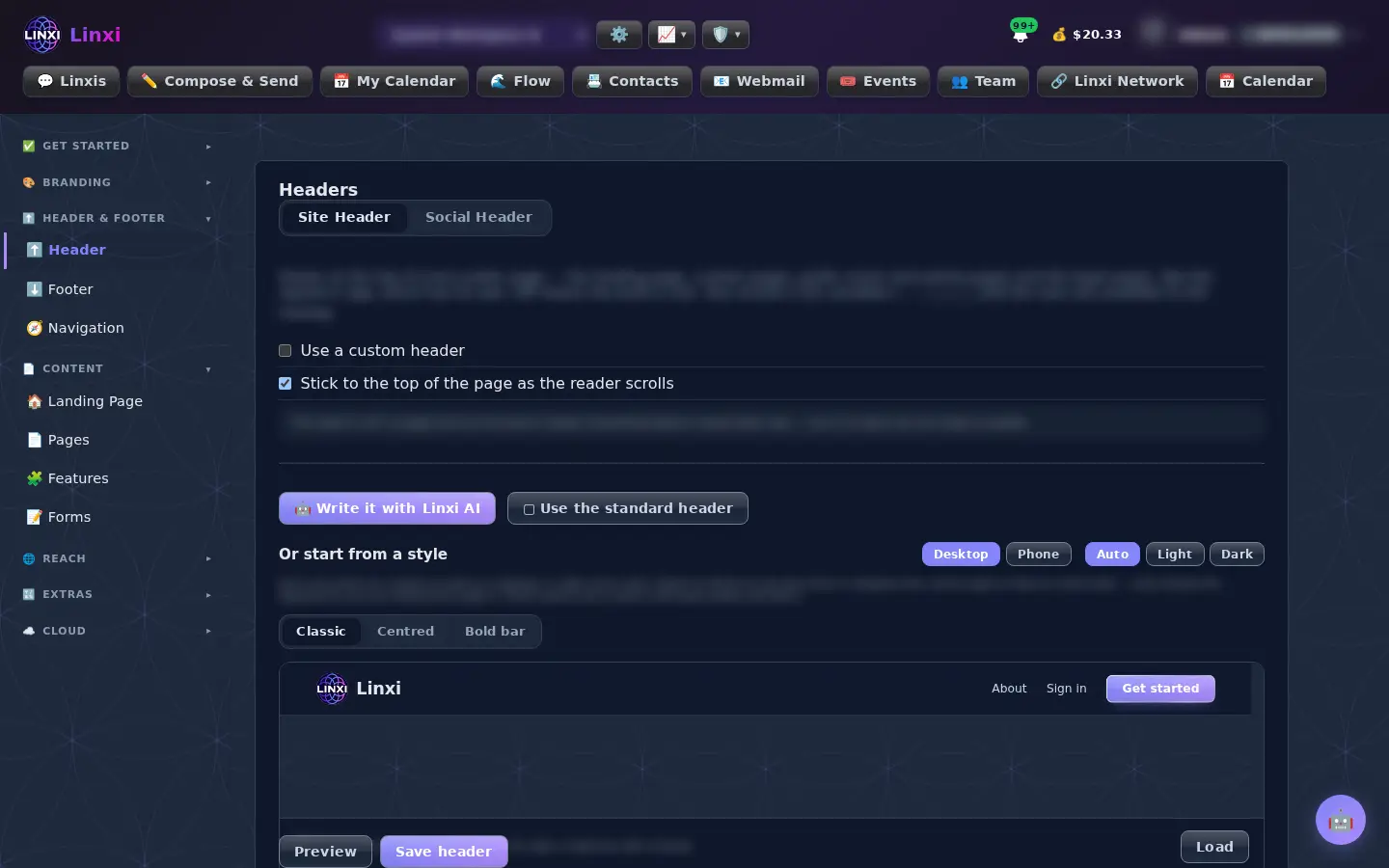
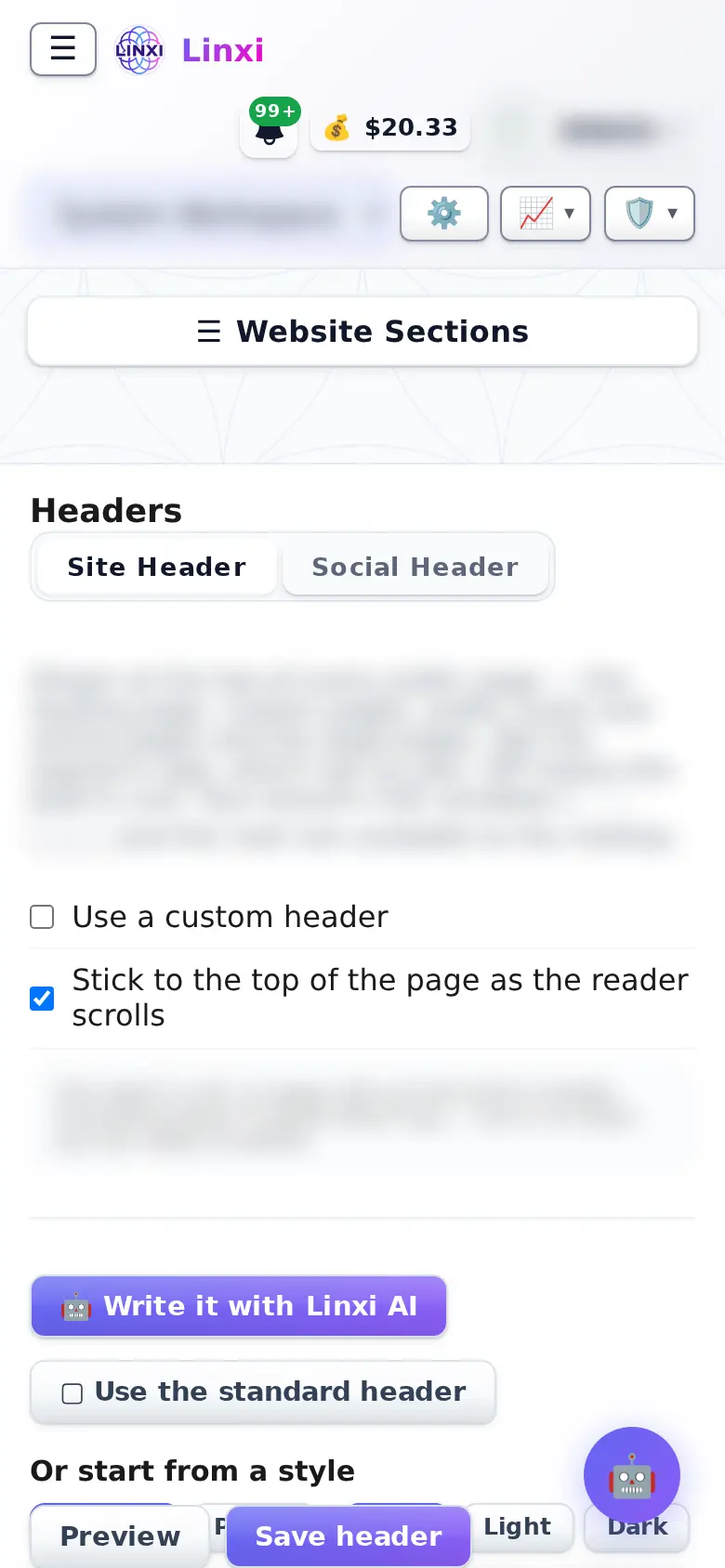
What is on the screen
- Site Header and Social Header tabs, each with its own switch to use a custom header
- A sticky option so the header stays at the top while scrolling
- Use the standard header, Write it with AI, or load a ready style
- Header HTML and CSS boxes with a visual editor
- Desktop and phone, light and dark previews, and Save header
- A Website cover image for the band on blog pages, and a Social cover image for the strip on the social pages
What you can do here
- Put your own menu and logo at the top of every public page
- Check how the menu collapses on a phone
- Set a cover picture for the blog
- Set a cover picture for the Network, Feed, Calendar and profiles
Who uses it
Site admins (super admins) of this site.
Also in Website
12 moreLanding page
Design what signed-out visitors see at your site’s root with your own HTML and CSS, an image shelf and AI help, or lock the whole site behind a sign-in page.
Footer
Put your own footer at the bottom of the public site and of the social pages, starting from the standard one, a ready style or AI, then preview and save.
Navigation
Choose which built-in tabs show in the app’s navigation and add links of your own; hiding a tab removes the way in but does not switch its feature off.
Pages
List every page your site serves at its own address and every help centre page, see which are live or empty, and publish, unpublish or delete them.
Apps
Communities
Features
Switch whole features of this site on or off for everyone, which hides their controls and closes their pages, without deleting any of the data behind them.
Activations
Work through the checklist of what your site needs to be fully working, from name and logo to payments, email and texting, with a Set it up button on each item.
Loading screen
Pick what visitors see on the first page of a visit while styles and fonts load: your logo pulsing, an image of your own, a flower of life pattern, or nothing.
Widgets
Sections used on many pages, saved once: calls to action, bands, about blocks, the top articles above the footer. Change one here and every page that carries it changes.
Site Layout Designer
Your site's whole layout as one design: the app's menu, its areas and links, and a look over your theme. Pick a template, preview it, use it, or go back.