
What this page is
The number is stored in a standard format whatever way you paste it. Workspaces always send from their own numbers, and there is deliberately no site-wide fallback.
Open Landing page in Linxi, then Site number in the panel list beside it. It has its own address, /site-number, so it can be bookmarked or sent to somebody directly rather than described as a series of clicks.
A look at it
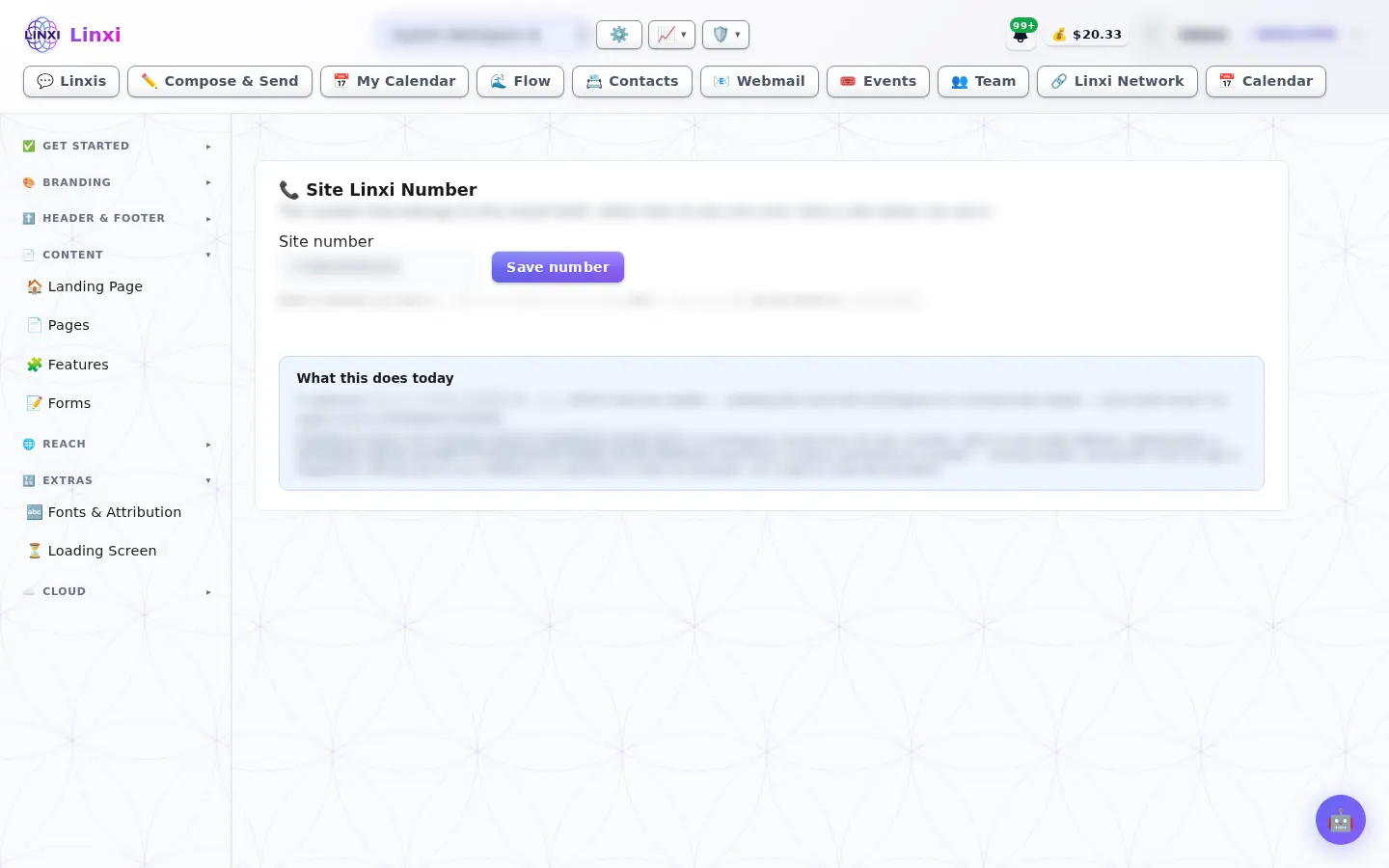
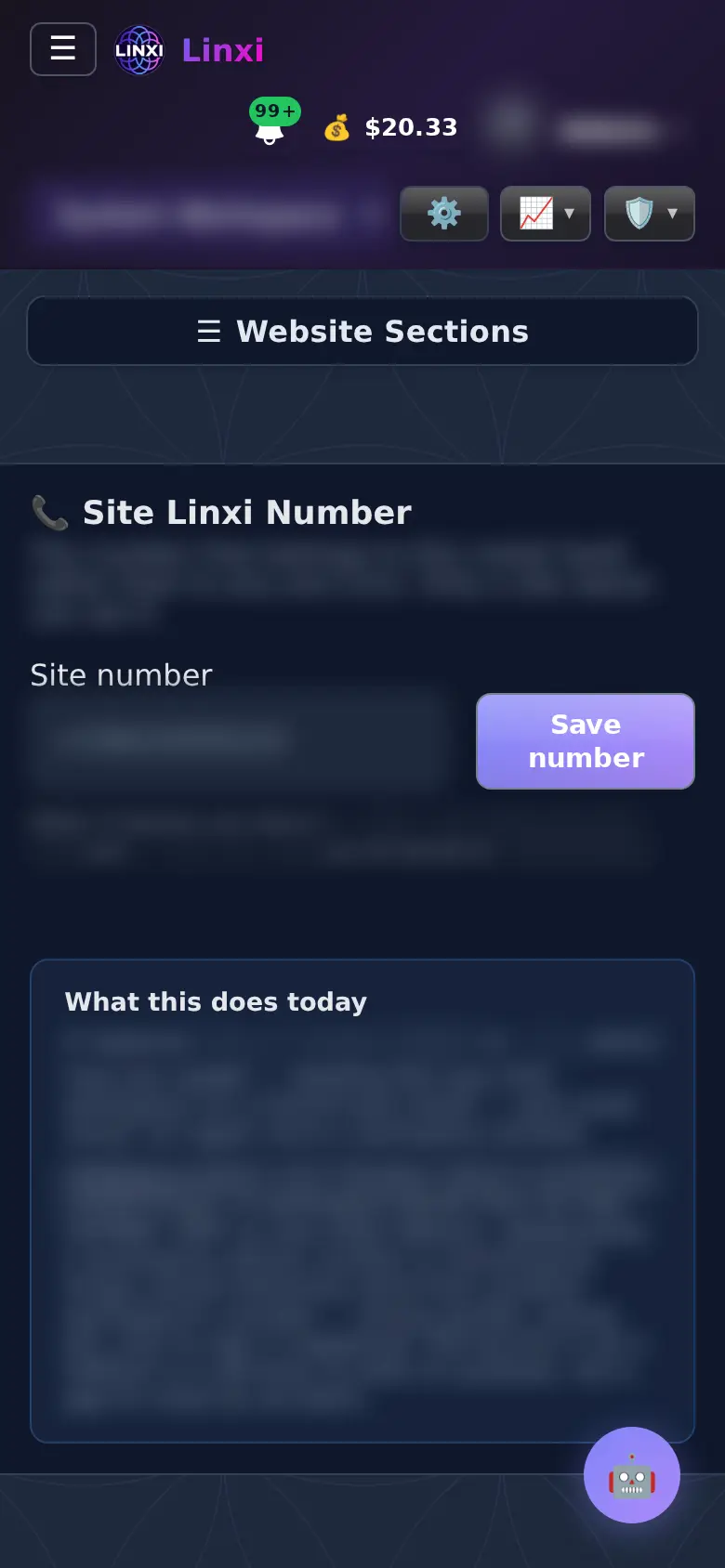
What is on the screen
- A Site number field that accepts the number in any common format
- Save number
- A note explaining what the number does today
What you can do here
- Record the site’s own number in one place
- Read what the number is used for before relying on it
Who uses it
The site owner only.
Also in Website
12 moreLanding page
Design what signed-out visitors see at your site’s root with your own HTML and CSS, an image shelf and AI help, or lock the whole site behind a sign-in page.
Header
Replace the header on your public pages and on the social pages with your own design, start from a ready style or AI, and preview it on desktop or phone.
Footer
Put your own footer at the bottom of the public site and of the social pages, starting from the standard one, a ready style or AI, then preview and save.
Navigation
Choose which built-in tabs show in the app’s navigation and add links of your own; hiding a tab removes the way in but does not switch its feature off.
Pages
List every page your site serves at its own address and every help centre page, see which are live or empty, and publish, unpublish or delete them.
Apps
Communities
Features
Switch whole features of this site on or off for everyone, which hides their controls and closes their pages, without deleting any of the data behind them.
Activations
Work through the checklist of what your site needs to be fully working, from name and logo to payments, email and texting, with a Set it up button on each item.
Loading screen
Pick what visitors see on the first page of a visit while styles and fonts load: your logo pulsing, an image of your own, a flower of life pattern, or nothing.
Site Cloud
Browse the files that belong to the site itself, like event graphics, photos, page pictures and replays, by event or folder, and see the latest uploads.
Users’ Cloud
Check how much Cloud space each member uses against their allowance and open their shared folders, while private and team folders stay locked to you.