
What this page is
This page is the transparency view for the assistant. It explains what data it can reach and records what it has done on your behalf, without storing what each request said.
Open Profile in Linxi, then AI & your data in the panel list beside it. It has its own address, /account/ai-privacy, so it can be bookmarked or sent to somebody directly rather than described as a series of clicks.
A look at it
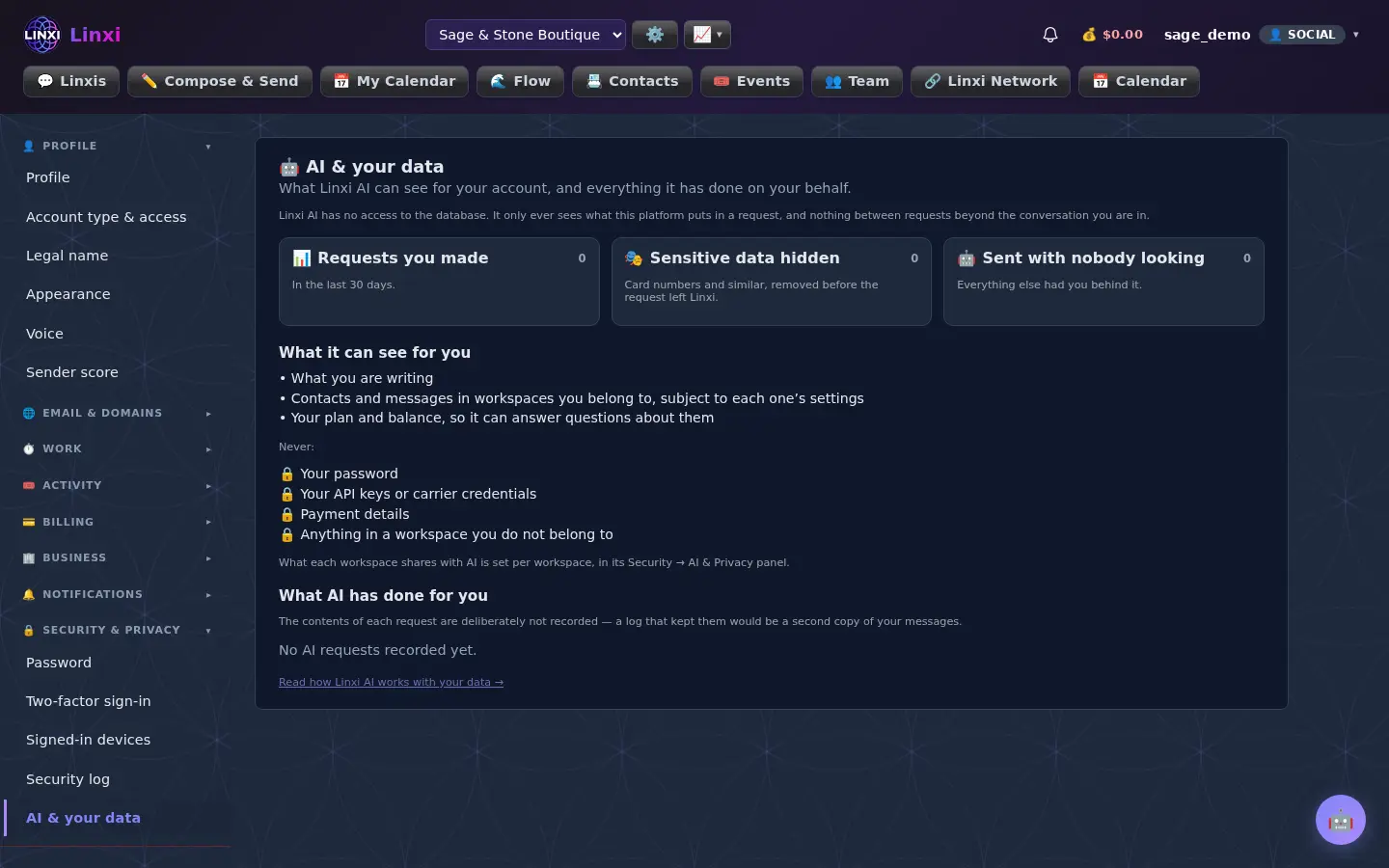
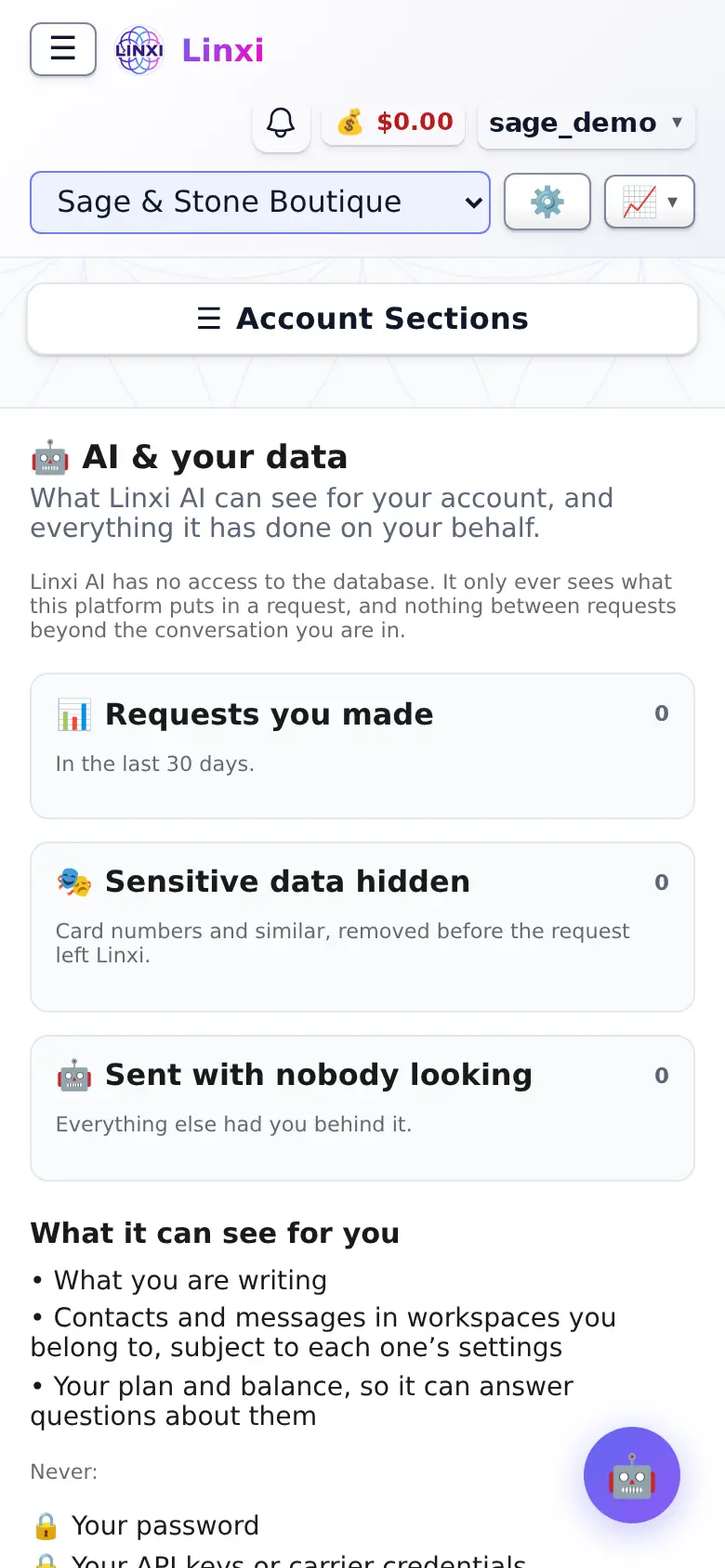
What is on the screen
- What it can see for you, such as your plan, balance and workspace contacts and messages
- What it never sees, such as your password, API keys or other workspaces
- What AI has done for you, with kinds like replies, summaries and campaign drafts
- Notes on sensitive data removed before a request is sent
What you can do here
- Check what the assistant knows about your account
- Review the automatic replies it sent for you
Who uses it
Every signed-in member; what each workspace shares with AI is set in that workspace's own security settings.
Also in Your account
12 moreMaster View
Link several of your Linxi accounts into one group, see their contacts, campaigns, messages and balance together, and switch between them freely.
Profile
Edit your profile photo, first and last name, the display name people see, your login email and your own phone number, then save the changes in one go.
Appearance
Choose whether the site shows to you in light mode, dark mode, or simply matches your device, while the colours themselves stay the site's own branding.
Voice settings
Set how you talk to the AI chats by voice and how their answers are read aloud, including speed, pitch, volume, language, and hands-free listening.
Linxi Terminal
Legal name
Record your full legal name privately for compliance and billing, kept off your profile and feed, and see the name given on each card payment you made.
Account type & access
See the access level that decides which features you have, and choose the kind of account you are, shown as a badge on your public profile page.
Membership
Review the membership level you hold, edit the profile details and pictures you gave when you applied, see your gallery and settle any membership fees.
Hours
Clock in and out, take breaks, review your entries and timesheets, ask for time off and pick up shifts, with team tools for managers who approve hours.
Boards
Organise your own or a team's work on boards of groups and items, with columns for status, people, dates and logged hours, as a table, kanban or calendar.
Vendor Credits
Track the Vendor Credits you bought in a lock-in bundle: how many you have left, what each is worth, who sold them, when they expire and where you spent them.
My requests
Follow the bugs, feature ideas and questions you have sent the team, read their replies, filter by status, sort by severity and open a brand new request.