
What this page is
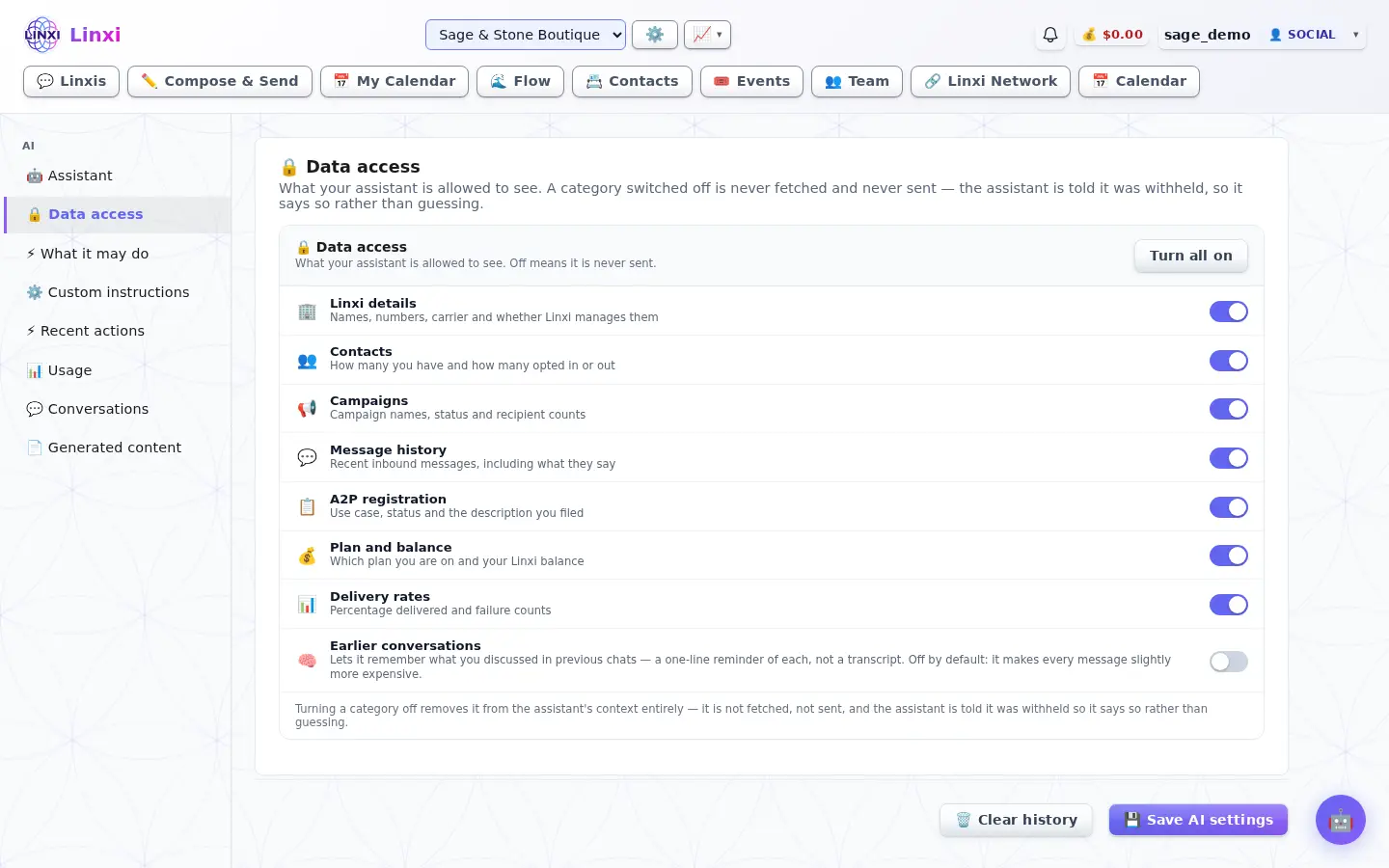
When a category is off the assistant is told it was withheld, so it says so instead of guessing.
Open Assistant settings in Linxi, then AI data access in the panel list beside it. It has its own address, /ai/data-access, so it can be bookmarked or sent to somebody directly rather than described as a series of clicks.
A look at it
What is on the screen
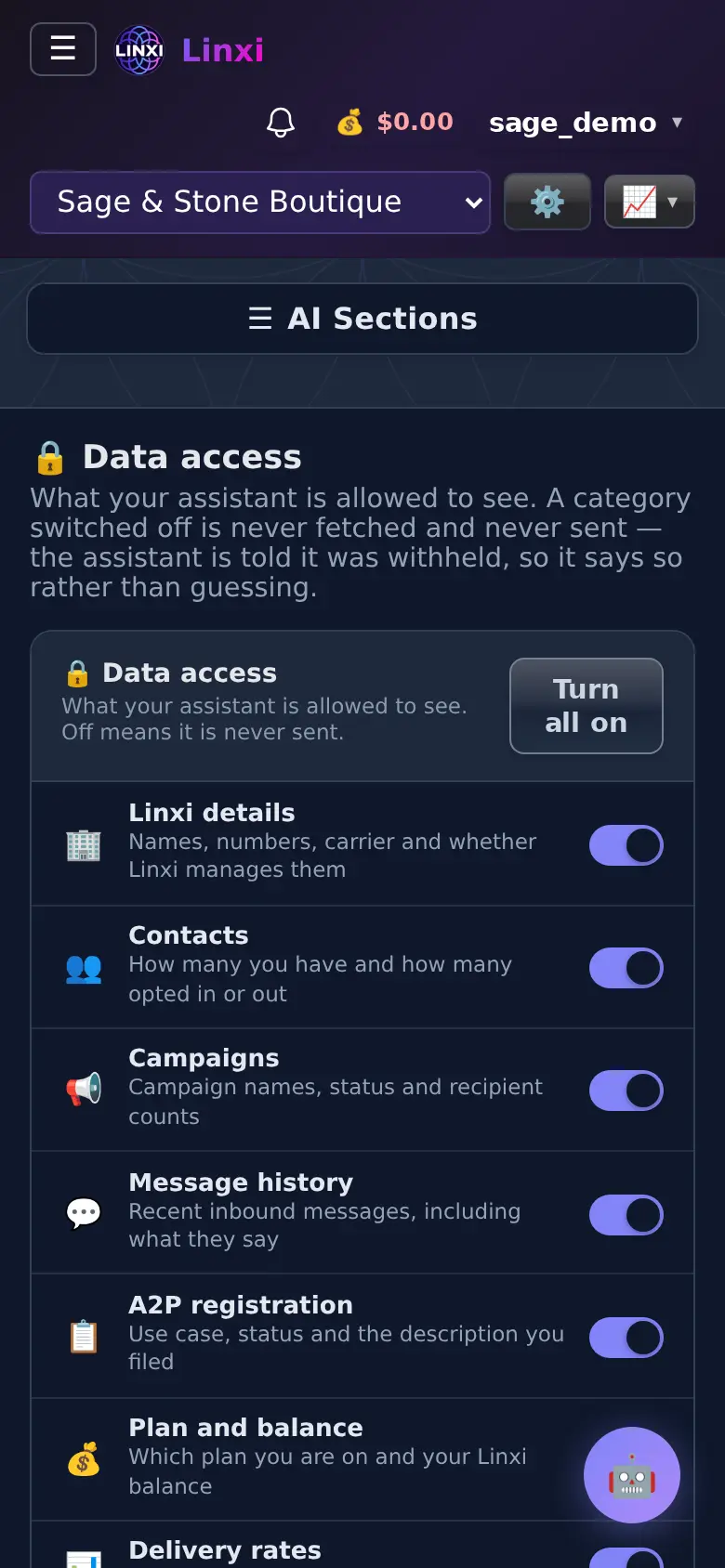
- A switch per category: earlier conversations (off by default, since it adds a little to each message), workspace details, contacts, campaigns
- Further switches for message history, registration, plan and balance, delivery rates, keywords and templates
- Turn all on button
- Save AI settings to apply your choices
What you can do here
- Keep message contents away from the assistant
- Let it read delivery rates to help diagnose problems
Who uses it
Every user can limit their own assistant.
Also in Your assistant
7 moreAssistant settings
Turn the AI assistant on or off, show or hide its button, give it a name, choose a model, use your own API key, and set a monthly limit on what it spends.
Custom instructions
Write standing instructions added to every chat with your assistant, plus a brand voice used for every page, campaign and post the AI writes for the workspace.
Generated content
Look back at the pages, posts and copy the AI has built for you, with tokens and cost for each, and leave a note on how it did so the next attempt improves.
Recent AI actions
Look through everything your assistant has drafted for you recently, such as campaign drafts waiting for review, and refresh the list to catch new ones.
AI permissions
Decide what the assistant may do for you: draft campaigns for your review, and optionally answer people who reply to a campaign with After Send switched on.
AI conversations
Reread every chat you have had with your assistants, newest first, with any campaigns drafted in a conversation linked back to the chat they came from.
AI usage
Track this month's assistant use in messages, tokens and estimated cost, see where the cost is charged, and add funds when your balance is running low.