
What this page is
Compose is where campaigns are written. You choose the channels, the audience and the message, and can let the assistant draft it from your directions.
New campaign is a tab in Linxi. It has its own address, /compose, so it can be bookmarked or sent to somebody directly rather than described as a series of clicks.
A look at it
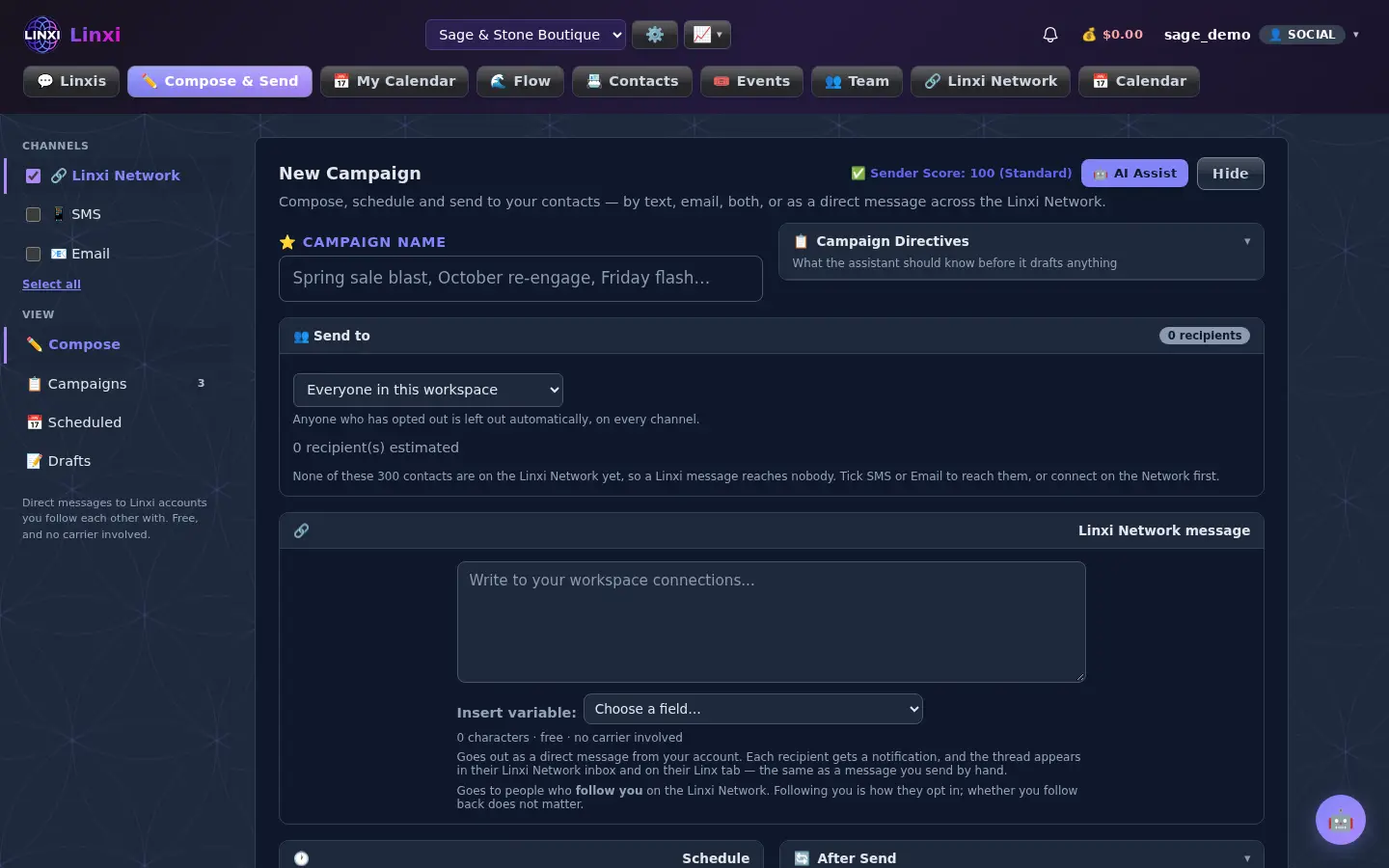
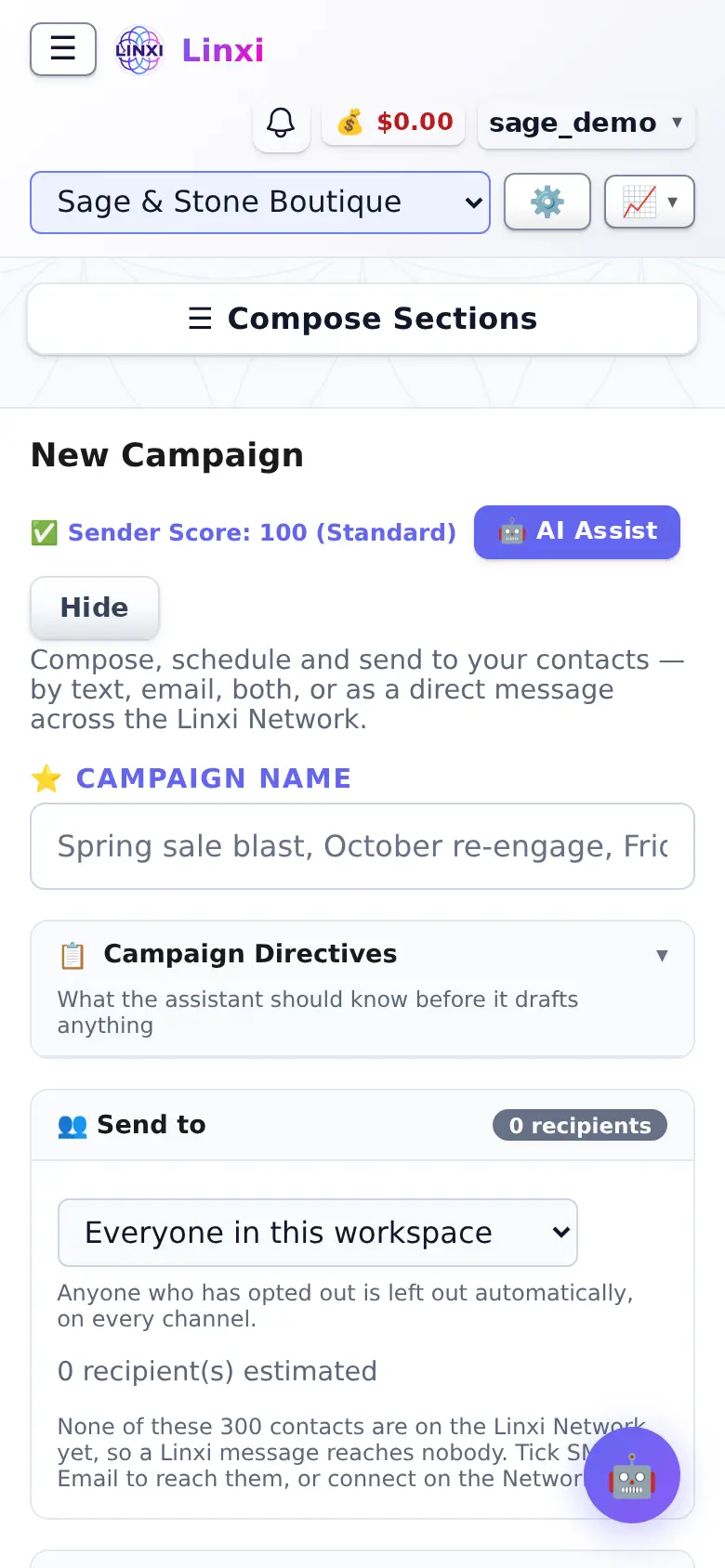
What is on the screen
- Channel switches for network messages, SMS, Email and WhatsApp
- Campaign name and Campaign directives for the assistant
- Send to: everyone, or chosen events, lists, groups, tags, traits or people
- Message cards for SMS, email with subject A/B test, network message and WhatsApp template
- Schedule settings with send rate and drip timing, plus After Send workflows and auto replies
- Cost estimate with Schedule, Save Draft, Send Test and Send Campaign
What you can do here
- Send a promotion by text and email at the same time
- Have the assistant draft a campaign, then review every field
- Drip a large send out over hours instead of all at once
- Add the people who reply to a follow-up workflow
Who uses it
Workspace members who send campaigns use it; text messages are charged to the prepaid balance and anyone opted out is left out automatically.
Also in Campaigns
3 moreAll campaigns
List every campaign in the workspace with its status, progress and rate, and pause, resume, cancel, rename, duplicate, edit or delete each one from its row.
Scheduled campaigns
See the campaigns waiting for their send time, and below them the emails and texts queued inside flows, with when each goes out and who it goes to.
Campaign drafts
Find campaigns you saved without sending, open one with Edit to keep working on it, or press Start to send it as it stands, and copy or delete the rest.