
What this page is
Drafts holds every campaign saved but not sent, including ones the assistant drafted for you to review.
Open New campaign in Linxi, then Campaign drafts in the panel list beside it. It has its own address, /compose/drafts, so it can be bookmarked or sent to somebody directly rather than described as a series of clicks.
A look at it
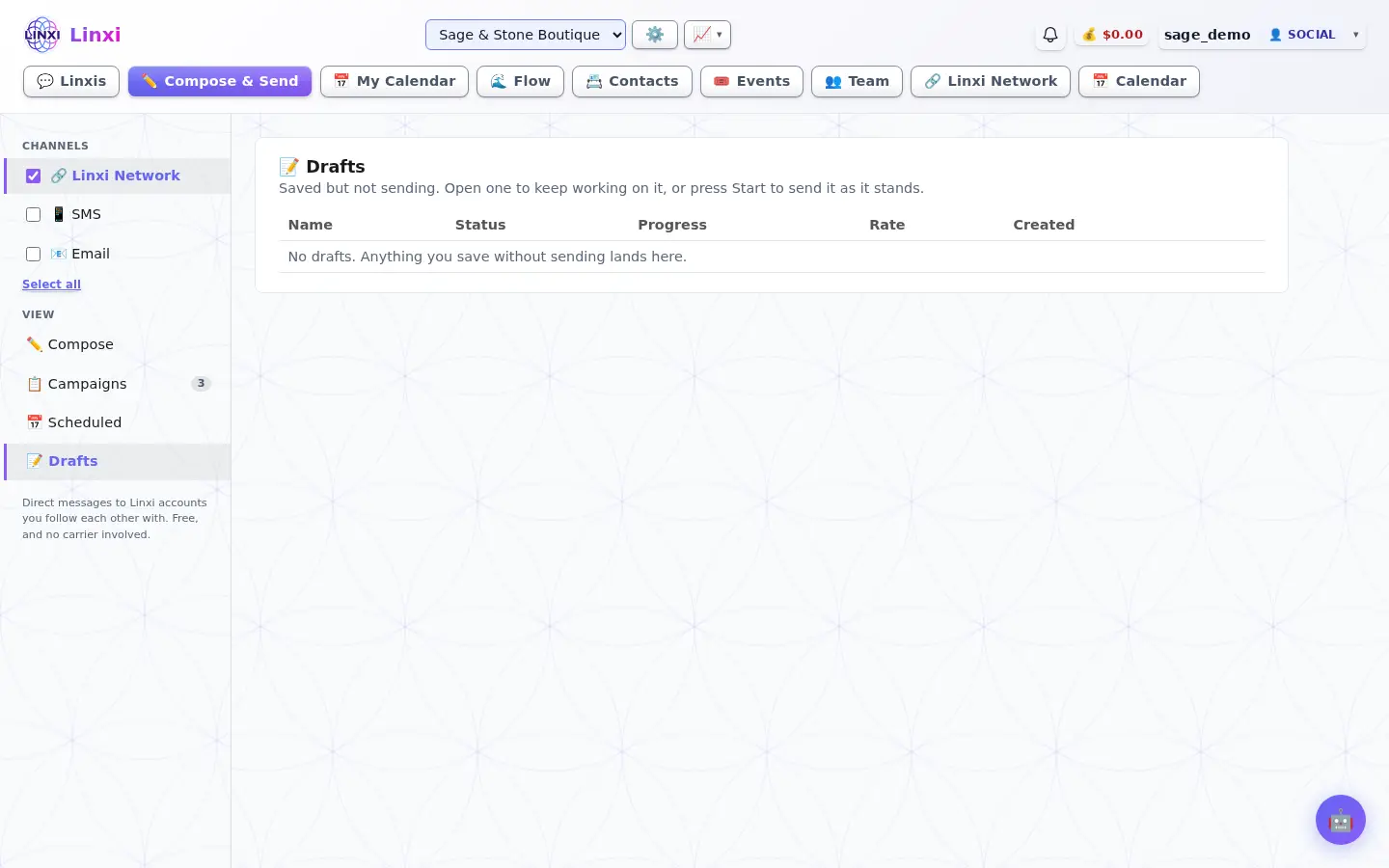
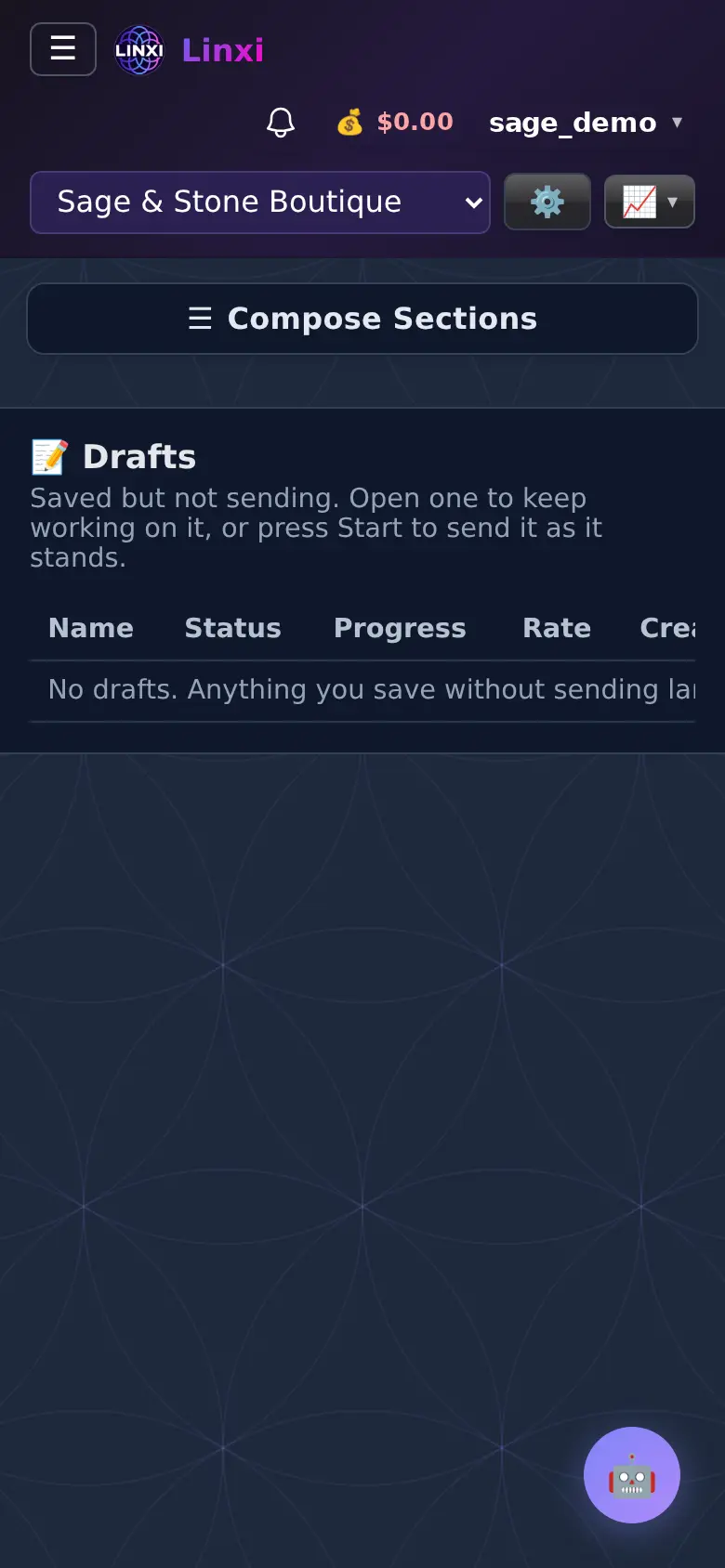
What is on the screen
- Table with name, status, progress, rate and created date
- Start button to send a draft as it is
- Edit, Duplicate, Cancel and Delete actions; rename a draft by opening it with Edit
What you can do here
- Finish a campaign you started yesterday
- Review and send a campaign the assistant wrote
- Clear out old drafts
Who uses it
Workspace members who write campaigns use it.
Also in Campaigns
3 moreNew campaign
Write one campaign for text, email, network messages or WhatsApp, pick who gets it, check the cost and compliance, then send it, test it or schedule it.
All campaigns
List every campaign in the workspace with its status, progress and rate, and pause, resume, cancel, rename, duplicate, edit or delete each one from its row.
Scheduled campaigns
See the campaigns waiting for their send time, and below them the emails and texts queued inside flows, with when each goes out and who it goes to.