
What this page is
A plan is a timeframe with a goal. Events and milestones hang off it, and its progress is measured against them.
Open Calendar month in Linxi, then Marketing plans in the panel list beside it. It has its own address, /my/calendar/plans, so it can be bookmarked or sent to somebody directly rather than described as a series of clicks.
A look at it
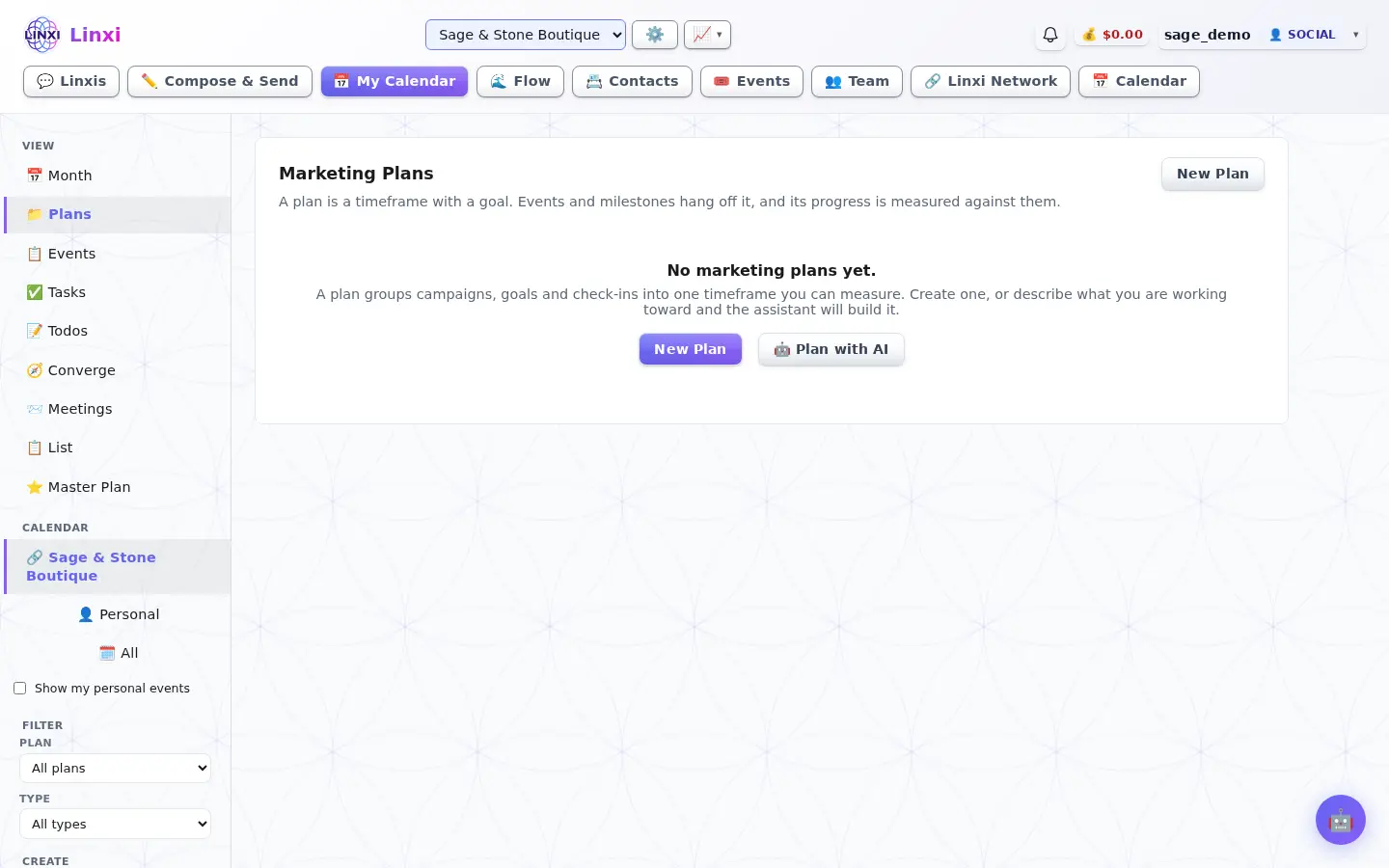
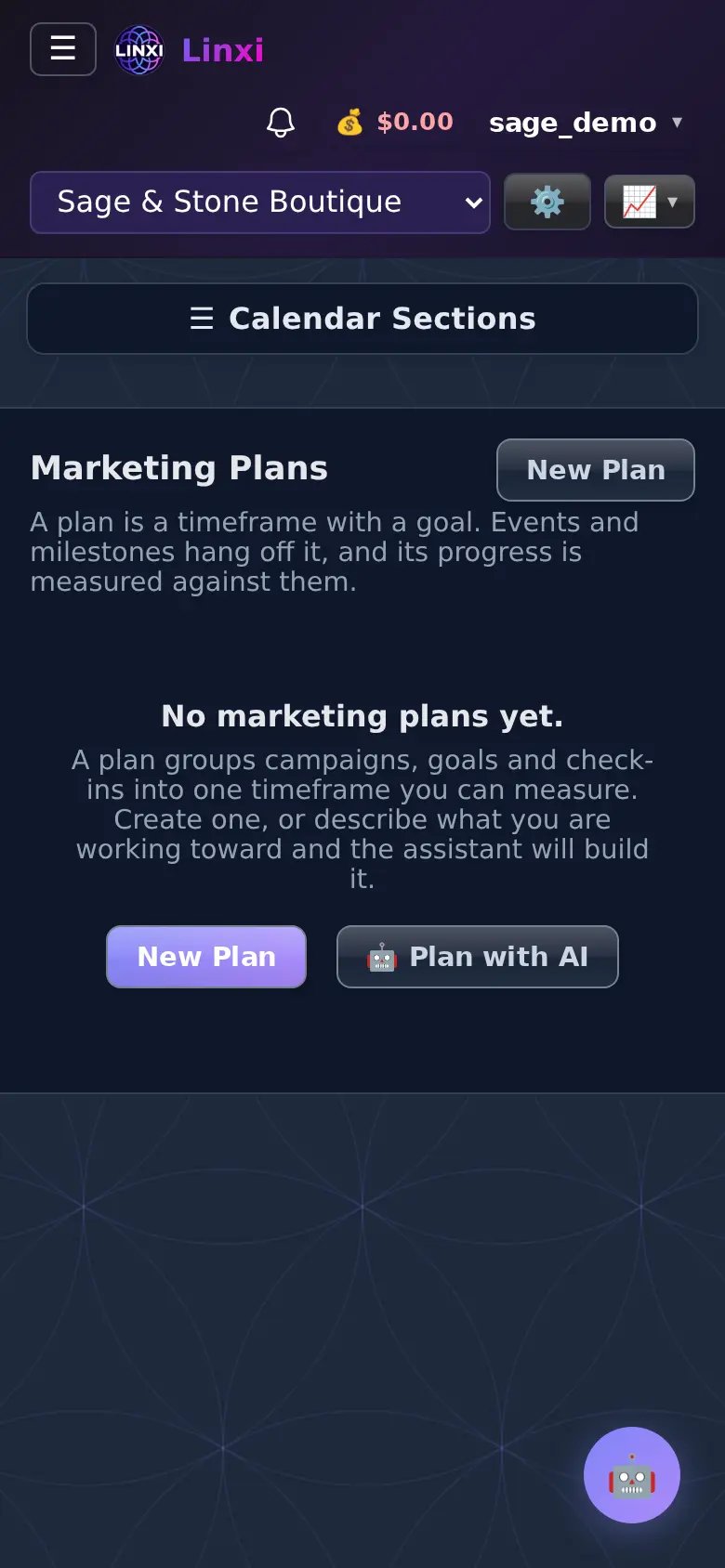
What is on the screen
- Marketing Plans list
- New Plan button
- The calendar filter to show one plan's items
What you can do here
- Set up a quarterly growth plan
- Filter the calendar to one plan
Who uses it
Anyone using the calendar to plan campaigns.
Also in Calendar
8 moreCalendar month
See your month at a glance with campaigns, goals, deadlines and check-ins, click a day to add something, and keep a quick todo list beside the calendar.
Schedule list
Read everything on your calendar as a list grouped by week, three months at a time, and step forward or back or jump to today to see what is coming next.
Calendar events
Add and edit the events on your calendar, twelve months at a time, apart from Google events and scheduled campaigns, which show only on Month and List.
Calendar tasks
List the dated tasks on this calendar with open ones first, give a task to anyone in the workspace, and let whoever owns it mark it done when it is finished.
Todos
Keep a list of things still to do with no day yet, tag them, rate their urgency, group them by tag or person, and schedule one when it is ready to be a task.
Converge
Rank every open todo you can see by urgency, ease, time and what it unblocks, then get a plan for the time you have and todos worth doing together.
Meetings
Answer meeting invitations, see the meetings you are running, start a new one, and turn on phone alerts so you are reminded before each meeting begins.
Master plan
Pick the one plan you work to, add its milestones and timeline events, and ask the assistant to review progress, suggest next steps or point out risks.