
What this page is
Flow is the record of everything going in and out of the workspace. It also holds the Carriers lookup and the Automations area where workflows are built.
Message flow is a tab in Linxi. It has its own address, /flow, so it can be bookmarked or sent to somebody directly rather than described as a series of clicks.
A look at it
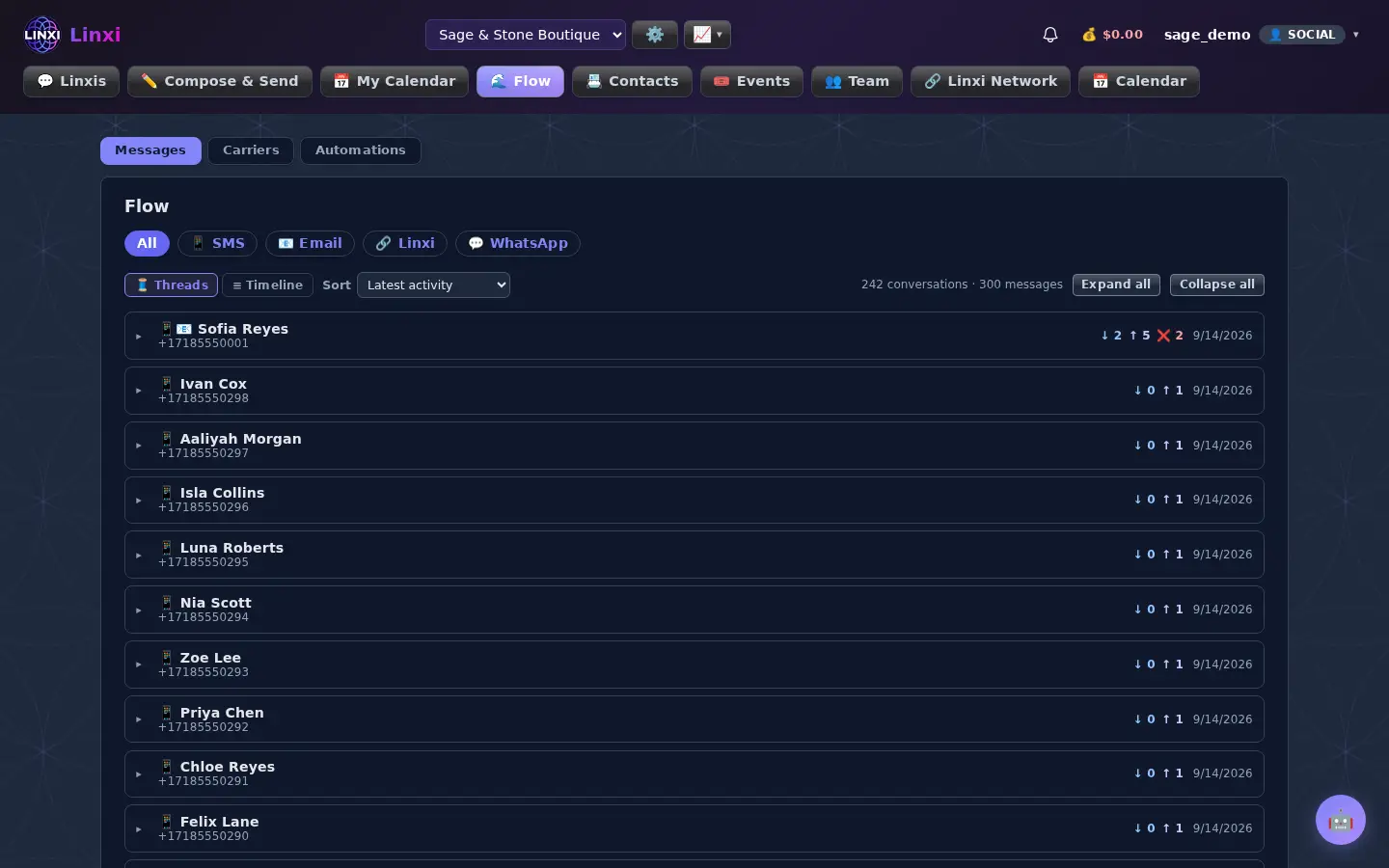
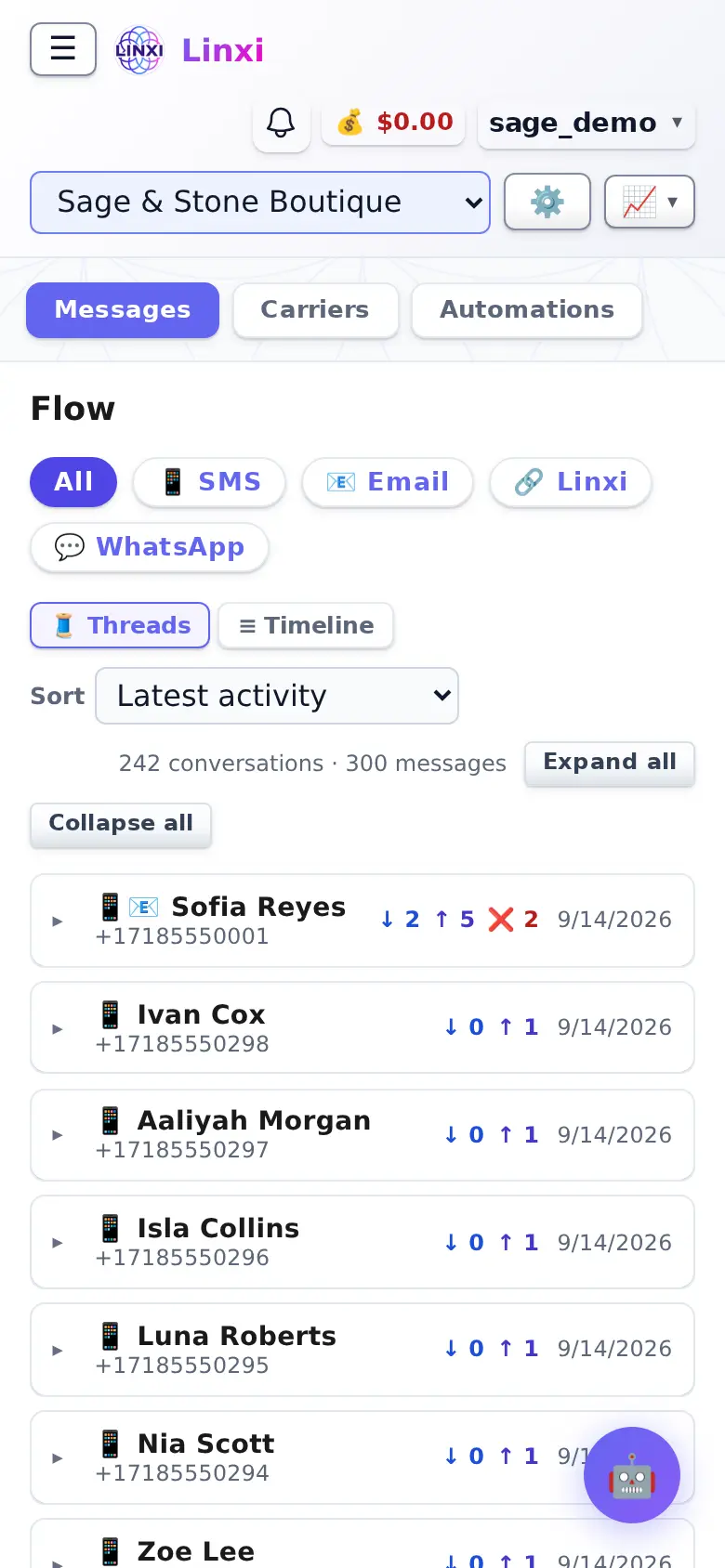
What is on the screen
- Messages, Carriers and Automations views at the top
- Channel filter (All, SMS, Email, network messages, WhatsApp) and Threads or Timeline layout
- Sort by latest activity, name, number or message count, with Expand all and Collapse all
- Message table showing direction, channel, contact, carrier, status, opened and time
- Carriers view with a carrier breakdown and each contact's line type and location
- Workflows list with search, status and trigger filters, templates and an AI helper
What you can do here
- Check whether a text was delivered or why it failed
- See which networks your contacts' numbers are on
- Create a workflow that runs when something happens to a contact
- Start an automation from a template or by describing it to the assistant
Who uses it
Workspace members who send messages use it to track delivery and set up automations.
Also in Messaging
5 moreLinxis
Read and answer every conversation with a contact in one thread, switching between SMS, email and other channels, and see the profile they share with you.
Contacts
Add, import and organise the people in this workspace, sort them into lists, tags and groups, add custom fields, and move or restore contacts from the trash.
Webmail
Read, write and sort the site's email in the browser, with folders, search, snooze, reply reminders, team notes, saved replies and scheduled sending.
Notifications
See every alert Linxi has raised for you, filter them by kind, mark them read or clear them, and choose which types of notification you want to receive.
E2E Secure
Send end-to-end encrypted messages and files to other members, in direct or group channels, using keys made in your browser and a 12-word recovery phrase.