
What this page is
Linxis is where Linxi opens: a list of the people you talk to on the left and the full conversation with the selected person on the right. You can read the whole history across channels and reply from the same screen.
Linxis is a tab in Linxi. It has its own address, /linxis, so it can be bookmarked or sent to somebody directly rather than described as a series of clicks.
A look at it
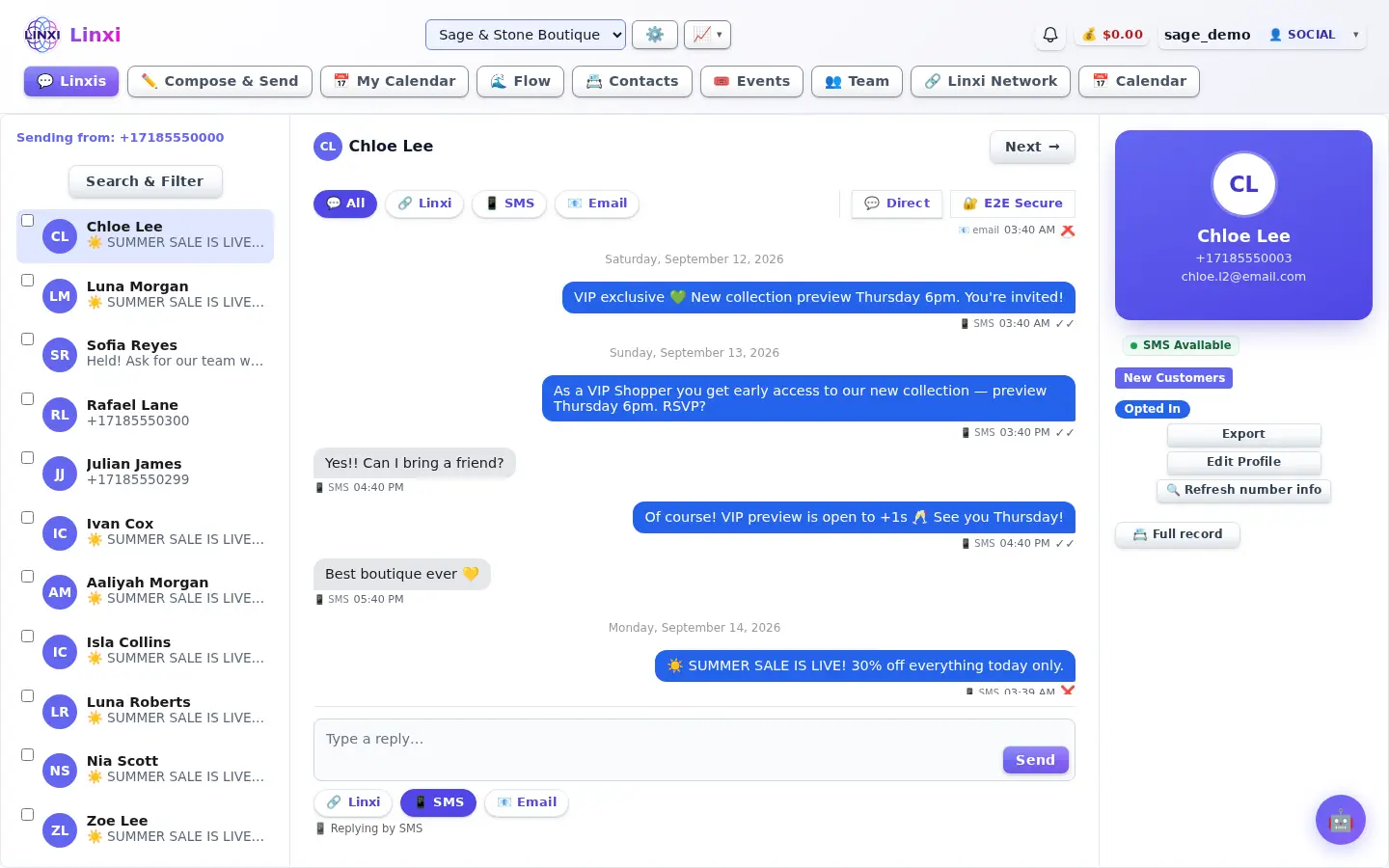
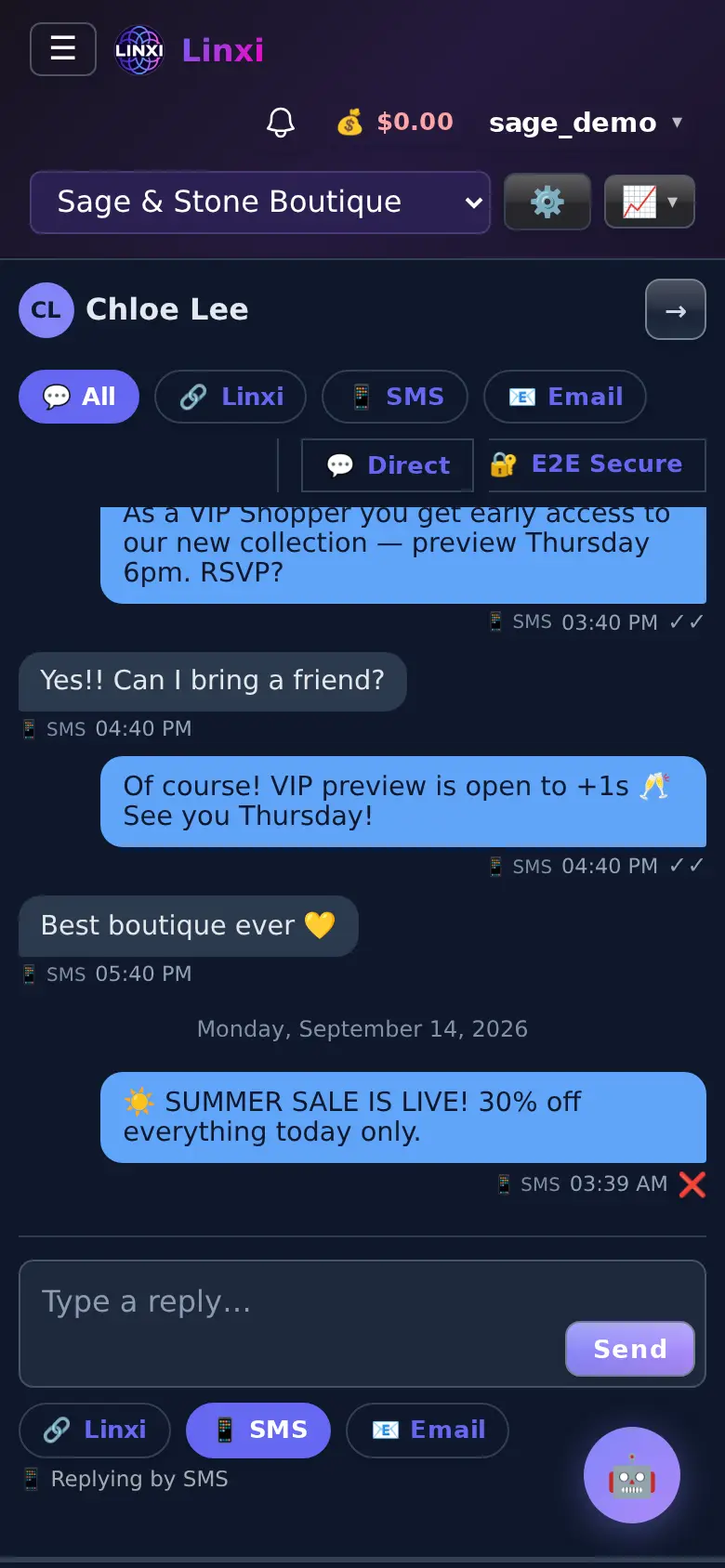
What is on the screen
- Search and filter by name, phone, list, tag, group or trait
- Bulk toolbar to add selected people to a list, tag or group
- Conversation thread with Previous and Next buttons to move between people
- Channel buttons (All, SMS, Email and others the contact has) to filter the thread
- Reply box with a Sending as picker and a Send button
- Profile side panel with opt-in status, shared tags, Export and Edit Profile
What you can do here
- Reply to a text or email without leaving the conversation
- Read everything said to one person across all channels
- Tag or list several contacts at once from the search results
- Import the tags a person has shared on their profile
Who uses it
Everyone with a workspace uses this page; the channels shown depend on what is connected to the workspace and what the contact has.
Also in Messaging
5 moreMessage flow
Follow every message sent and received, as threads or one timeline, with delivery status, opens and the contact's carrier, plus your workflow automations.
Contacts
Add, import and organise the people in this workspace, sort them into lists, tags and groups, add custom fields, and move or restore contacts from the trash.
Webmail
Read, write and sort the site's email in the browser, with folders, search, snooze, reply reminders, team notes, saved replies and scheduled sending.
Notifications
See every alert Linxi has raised for you, filter them by kind, mark them read or clear them, and choose which types of notification you want to receive.
E2E Secure
Send end-to-end encrypted messages and files to other members, in direct or group channels, using keys made in your browser and a 12-word recovery phrase.