
What this page is
Webmail opens the site's mailbox and keeps a copy of every email the site sends. Until the mailbox's mail server is connected, the page shows how to set it up.
Webmail is a tab in Linxi. It has its own address, /mail, so it can be bookmarked or sent to somebody directly rather than described as a series of clicks.
A look at it
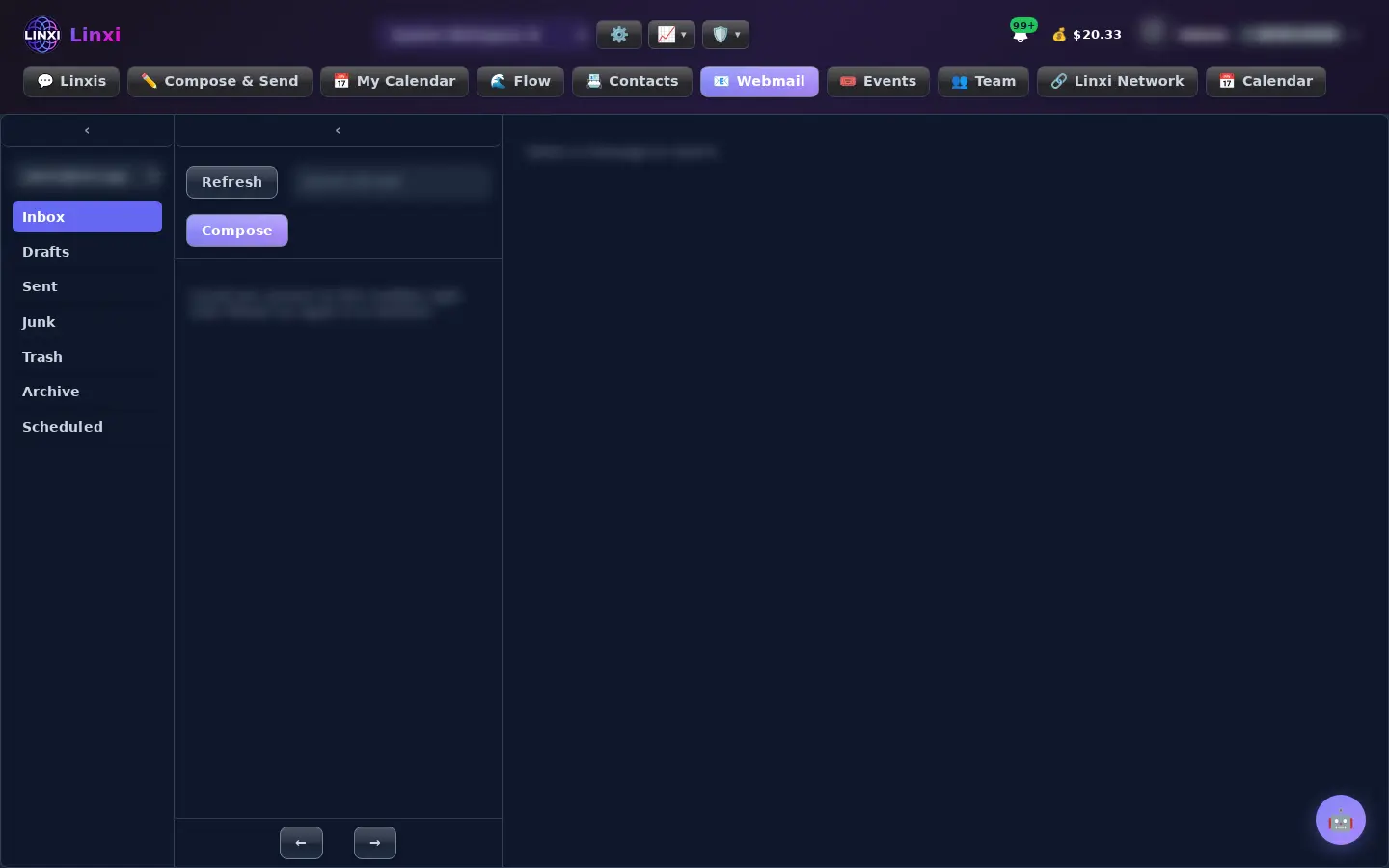
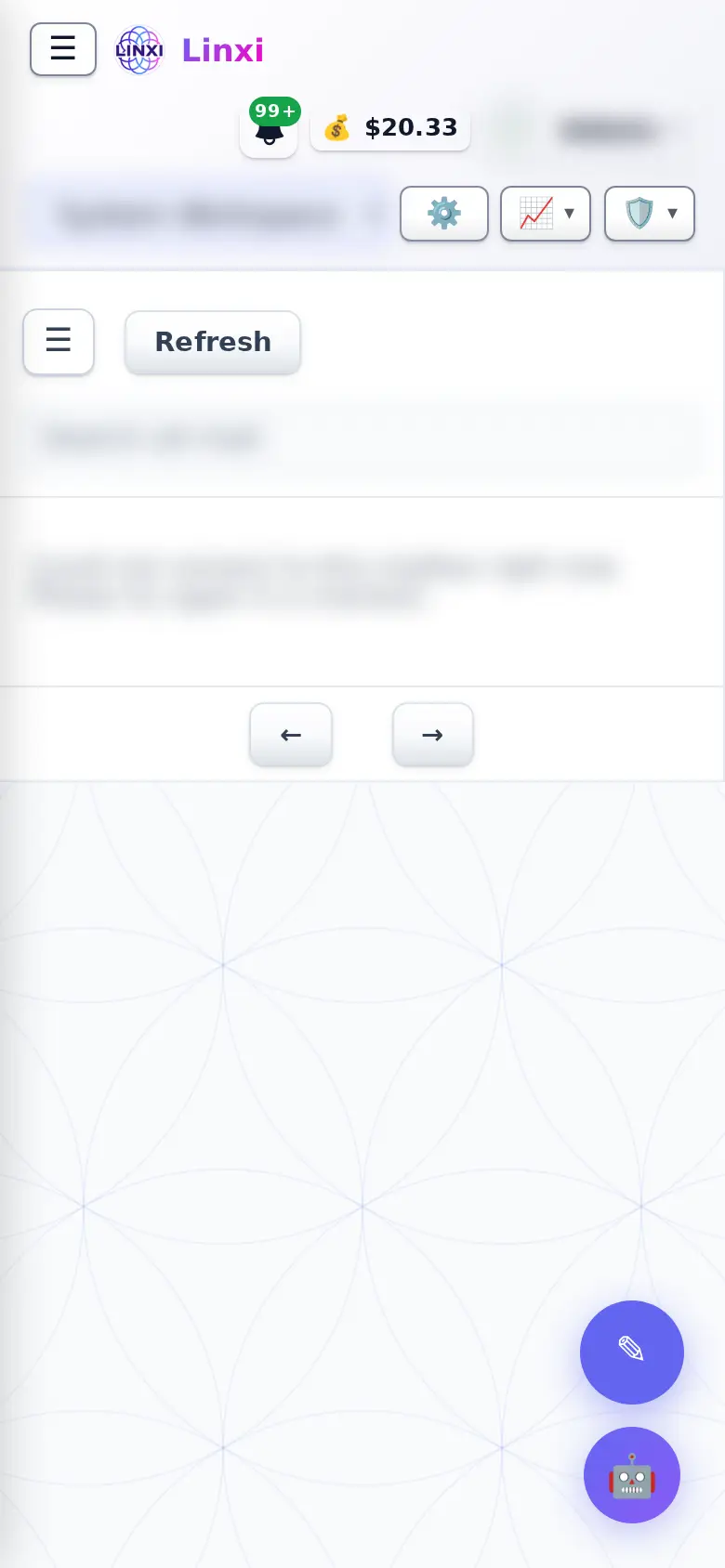
What is on the screen
- Folders: Inbox, Drafts, Sent, Junk, Trash, Archive and Scheduled
- Search all mail, Refresh and Compose
- Bulk actions to archive, delete, mark read or unread, star, flag spam or move
- Message view with Reply, Reply all, Forward, Block sender, Snooze and Remind if no reply
- Assigned to and Status (Open, Waiting, Done) plus private team notes
- Composer with Cc and Bcc, visual or HTML editing, Send later, saved replies and AI help
What you can do here
- Answer customer email from the site's own address
- Hand a message to a teammate and mark it waiting or done
- Schedule an email for tomorrow morning
- Manage trusted and blocked senders
Who uses it
People with access to the site's mailbox use it once the mailbox has been connected.
Also in Messaging
5 moreLinxis
Read and answer every conversation with a contact in one thread, switching between SMS, email and other channels, and see the profile they share with you.
Message flow
Follow every message sent and received, as threads or one timeline, with delivery status, opens and the contact's carrier, plus your workflow automations.
Contacts
Add, import and organise the people in this workspace, sort them into lists, tags and groups, add custom fields, and move or restore contacts from the trash.
Notifications
See every alert Linxi has raised for you, filter them by kind, mark them read or clear them, and choose which types of notification you want to receive.
E2E Secure
Send end-to-end encrypted messages and files to other members, in direct or group channels, using keys made in your browser and a 12-word recovery phrase.