
What this page is
E2E Secure Channels are private conversations encrypted in your browser before they leave it, so the platform stores only text it cannot read. Setting up creates your key and a recovery phrase that is the only way back in.
E2E Secure is a tab in Linxi. It has its own address, /secure, so it can be bookmarked or sent to somebody directly rather than described as a series of clicks.
A look at it
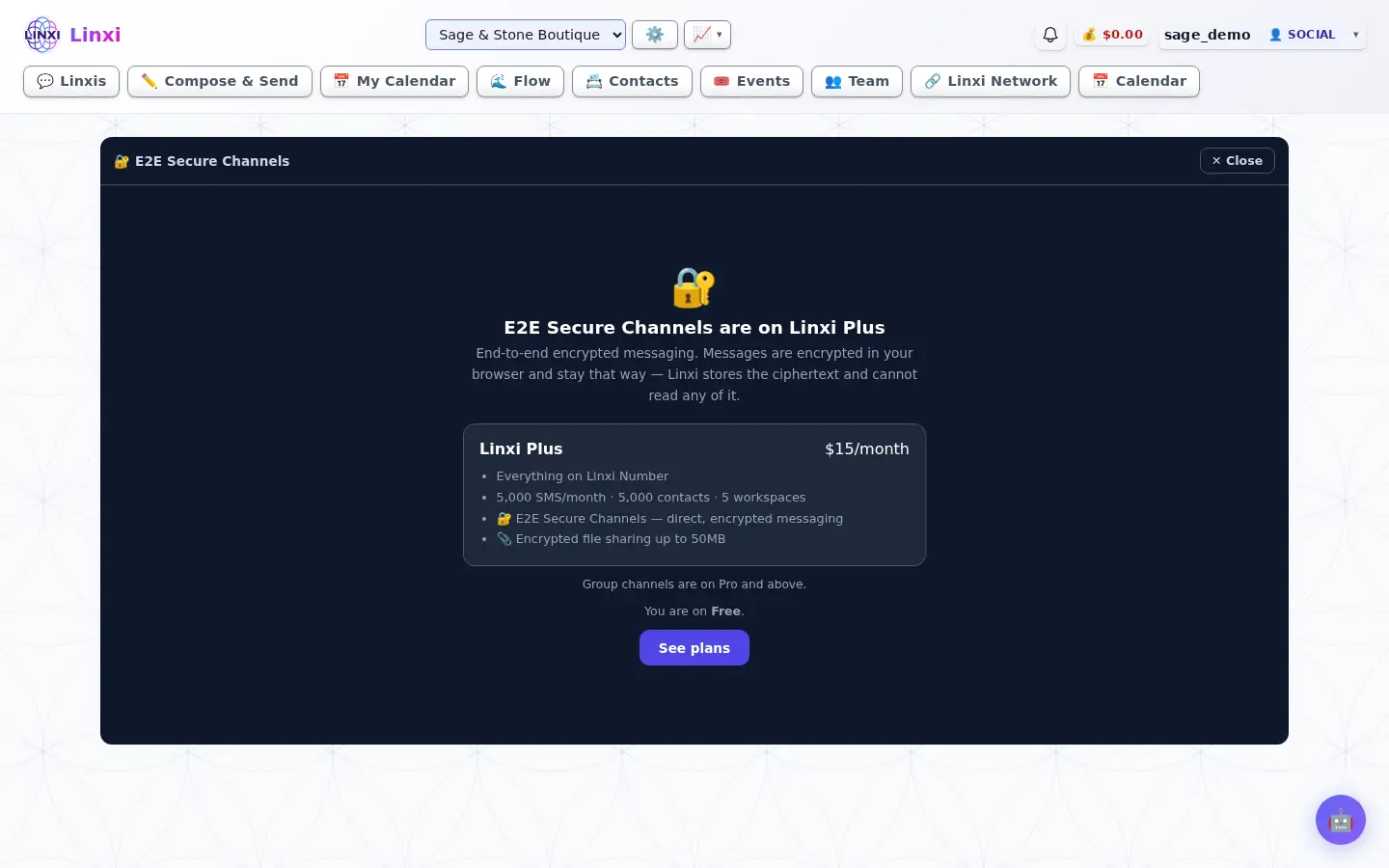
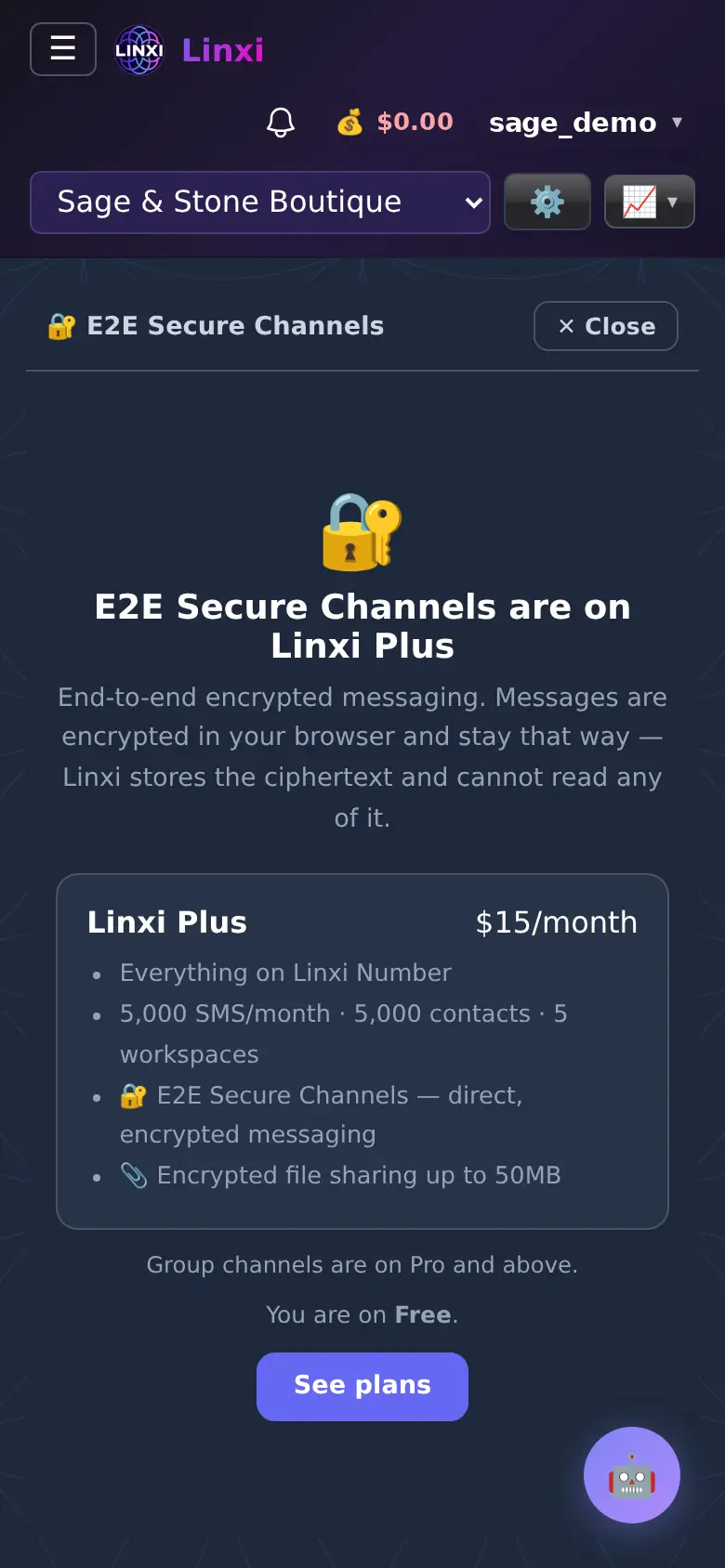
What is on the screen
- Plan screen explaining what is included when you are not on a plan that has it
- Setup steps: Create my Kerykeion Key, write down the recovery phrase, confirm three words
- Unlock screen to enter your recovery phrase on a new browser
- Channel list with search and a + button for a new channel
- Encrypted message box with a paperclip for encrypted files
- New channel form for a Direct or Group channel, a name and who to add
What you can do here
- Talk privately with a colleague about sensitive matters
- Share a file that only the people in the channel can open
- Unlock your channels on a second device with your phrase
Who uses it
Members on Linxi Plus or above can use it, group channels need Pro or above, and you can only message people who have set it up too.
Also in Messaging
5 moreLinxis
Read and answer every conversation with a contact in one thread, switching between SMS, email and other channels, and see the profile they share with you.
Message flow
Follow every message sent and received, as threads or one timeline, with delivery status, opens and the contact's carrier, plus your workflow automations.
Contacts
Add, import and organise the people in this workspace, sort them into lists, tags and groups, add custom fields, and move or restore contacts from the trash.
Webmail
Read, write and sort the site's email in the browser, with folders, search, snooze, reply reminders, team notes, saved replies and scheduled sending.
Notifications
See every alert Linxi has raised for you, filter them by kind, mark them read or clear them, and choose which types of notification you want to receive.