
What this page is
This page registers an E911 address against your number. If no number is set up yet, it points you to the number setup first.
Open Workspace overview in Linxi, then Emergency address in the panel list beside it. It has its own address, /settings/number/emergency, so it can be bookmarked or sent to somebody directly rather than described as a series of clicks.
A look at it
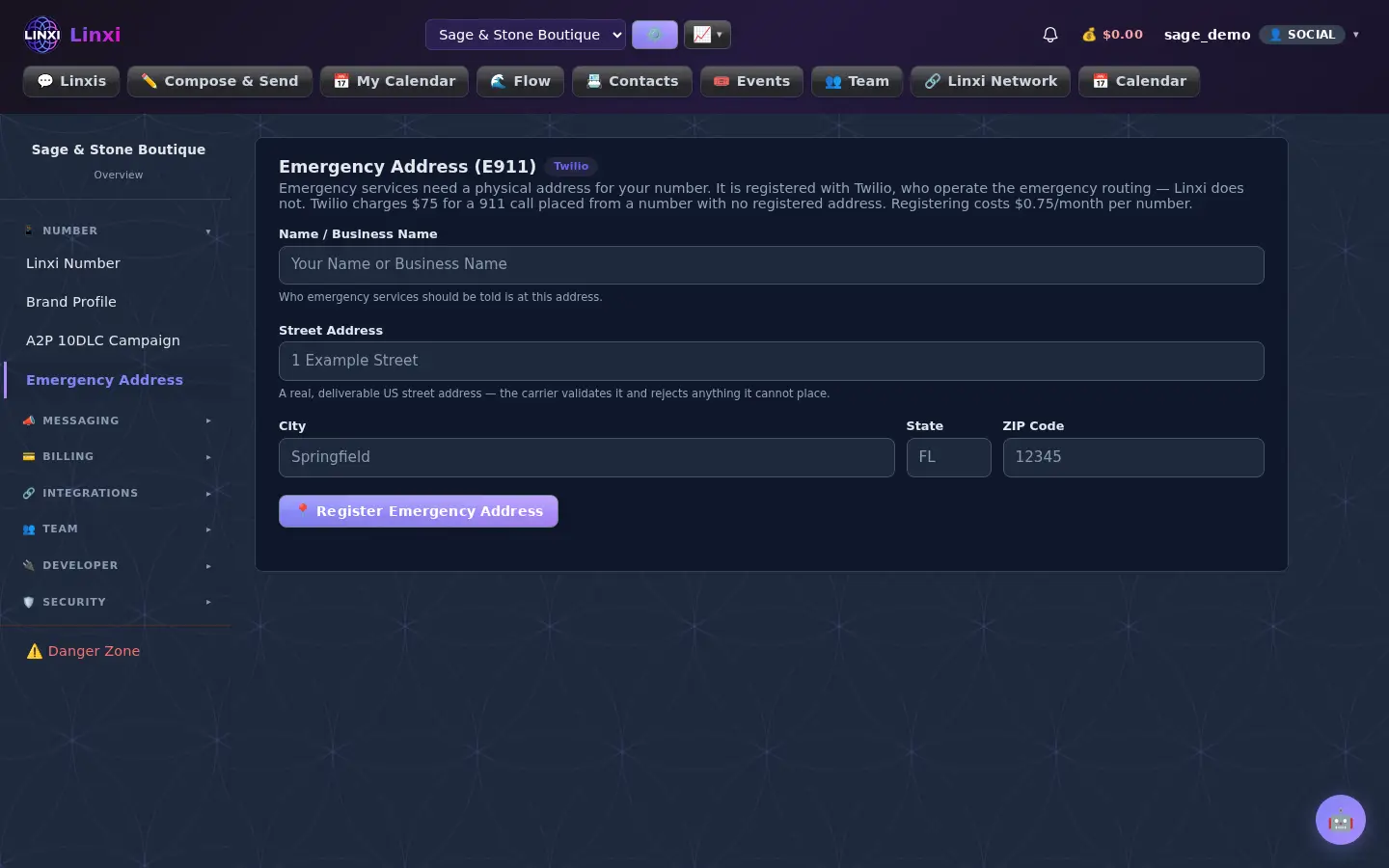
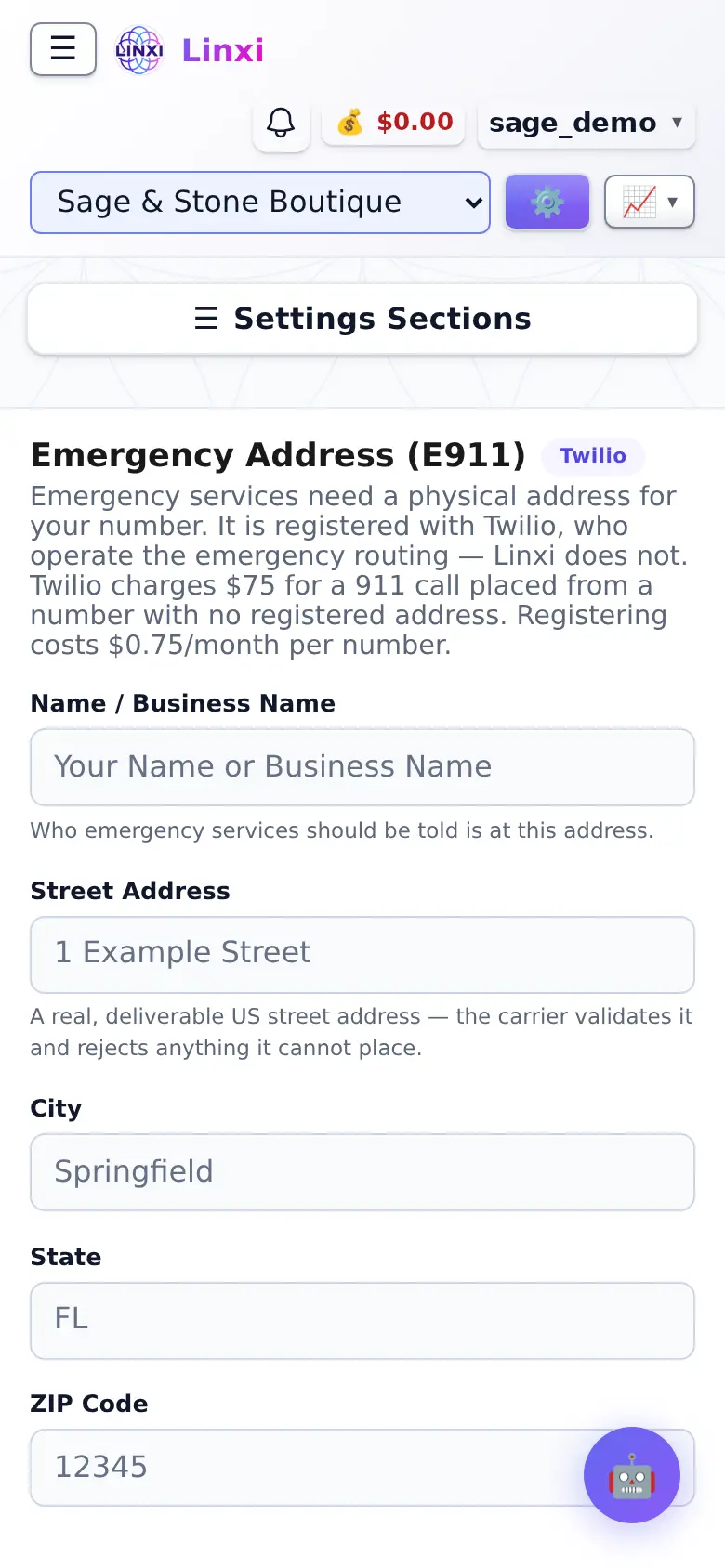
What is on the screen
- Name or business name field
- Street, city, state and ZIP fields, checked by the carrier
- Register Emergency Address button
- A prompt to set up your number when none exists yet
What you can do here
- Register the address for a newly active number
- Update the address after moving premises
Who uses it
Workspace owners and admins.
Also in Linxi settings
12 moreWorkspace overview
See this workspace at a glance: its sending number, plan, members, contacts, message counts and which automations are switched on, and rename it.
Number settings
Buy a new texting number, connect one you already own on Twilio or Telnyx, test the connection, and see what the number costs and its registration state.
Setup progress
Follow each step from getting a phone number to full carrier approval, see which steps are done, waiting or locked, and start the next one from the list.
Brand profile
Enter your business identity once, including legal name, EIN, address and contacts, so registrations prefill, and upload documents or claim a verified handle.
Compliance profile
Create and submit the Twilio compliance profile that tells carriers who your business is, then refresh its review status or edit and resubmit after a rejection.
A2P 10DLC campaign
Register this workspace's A2P 10DLC campaign: describe your messages and samples, resubmit after a rejection, or adopt a brand or campaign you already have.
Auto-reply
Turn on an automatic text reply for incoming messages that nothing else has answered, write its wording, and choose to send it only outside business hours.
Business hours
Set the timezone and the opening and closing times for each day of the week, which the after-hours auto-reply option uses to decide when to answer.
Text keywords
Save custom keywords and the reply for each, so a text that is just that word gets your answer back, kept apart from the carrier's reserved STOP and HELP words.
Message templates
Save messages you send often under a name, mark the name, date and time to fill in with placeholders, and copy one to the clipboard when you write a message.
Domain health
Check how Gmail rates the domain your workspace email comes from, including reputation, spam complaints, delivery errors and whether SPF, DKIM and DMARC pass.
Number lookup
Learn the carrier, line type, location and caller name behind a phone number, and choose whether new contacts and unknown senders are looked up automatically.